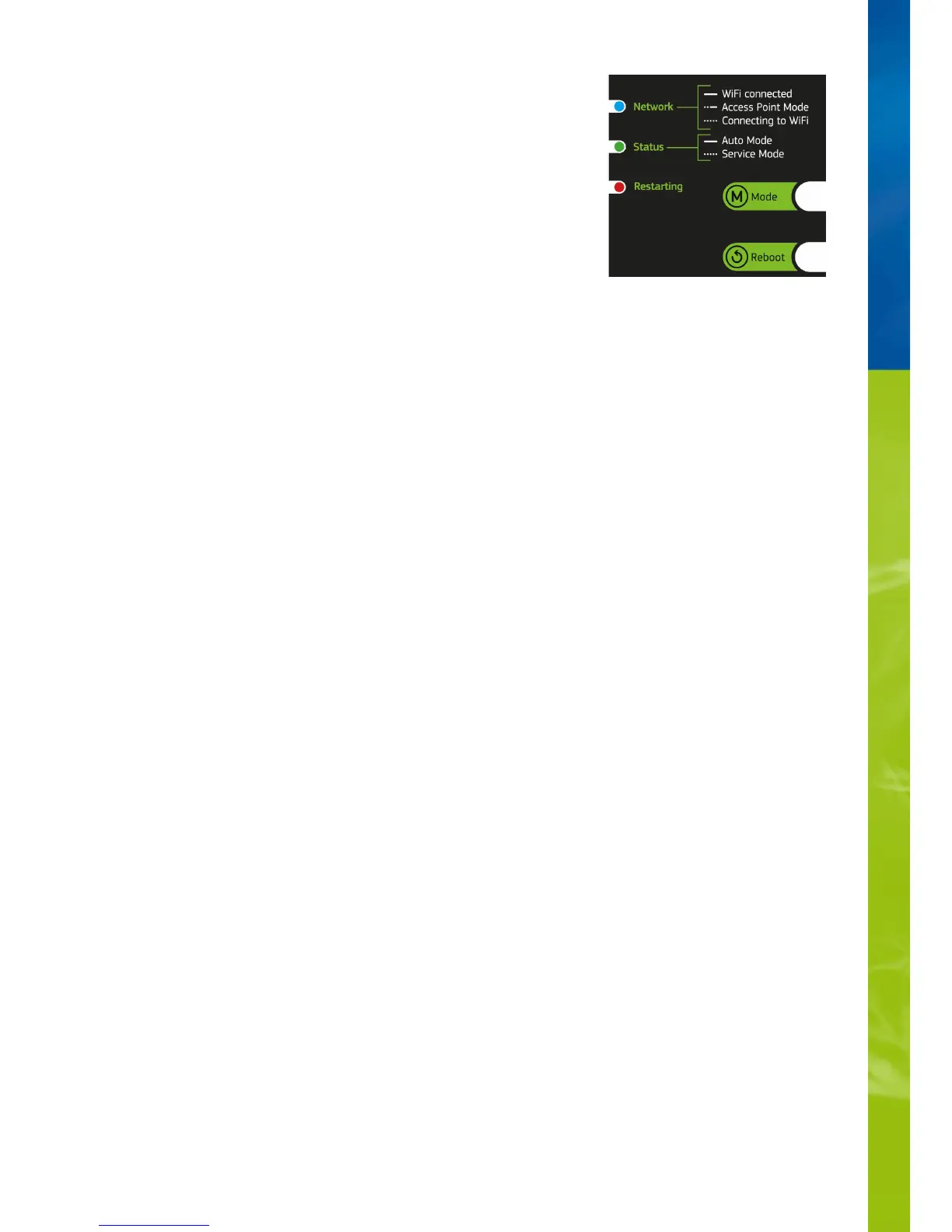
Status lights and function keys on the HeliaLux SmartControl
Status lights on the HeliaLux SmartControl
LED blue: Network
LED green: Status
LED red: Restarting
Green and red - Demo-Mode
Lights up continuously after successfully connecting to a Wi-Fi home network.•
Briefly lights up twice and once long in Access Point Mode•
Flashes when establishing a connection to a Wi-Fi home network.•
Lights up continuously in Auto Mode (operation mode)•
Flashes in Service Mode or manual control of the lamp via the user interface•
Lights up during system restart•
flash in demo mode in parallel.•


 To Next Page