Establishing a connection to the user interface using Access Point
Mode
Info
Your device has been configured as follows at delivery:
Network name (SSID): HLSmartControl
Wi-Fi password: password
IP for the user interface: 192.168.4.1
Alternatively "http://local.HLSmartControl" (only in AP mode)
1. In the delivered state, the HeliaLux SmartControl will start in
Access Point Mode (AP Mode) when it is switched on. Access
Point Mode creates its own wireless network to which Wi-Fi
capable devices are able to connect (smartphone, tablet and
computer).
2. Connect to the available Wi-Fi network of your HeliaLux
SmartControl. The factory default setting for the Wi-Fi network's
name is “HLSmartControl”.
3. Enter the Wi-Fi password. At delivery, the password is:
‘password’
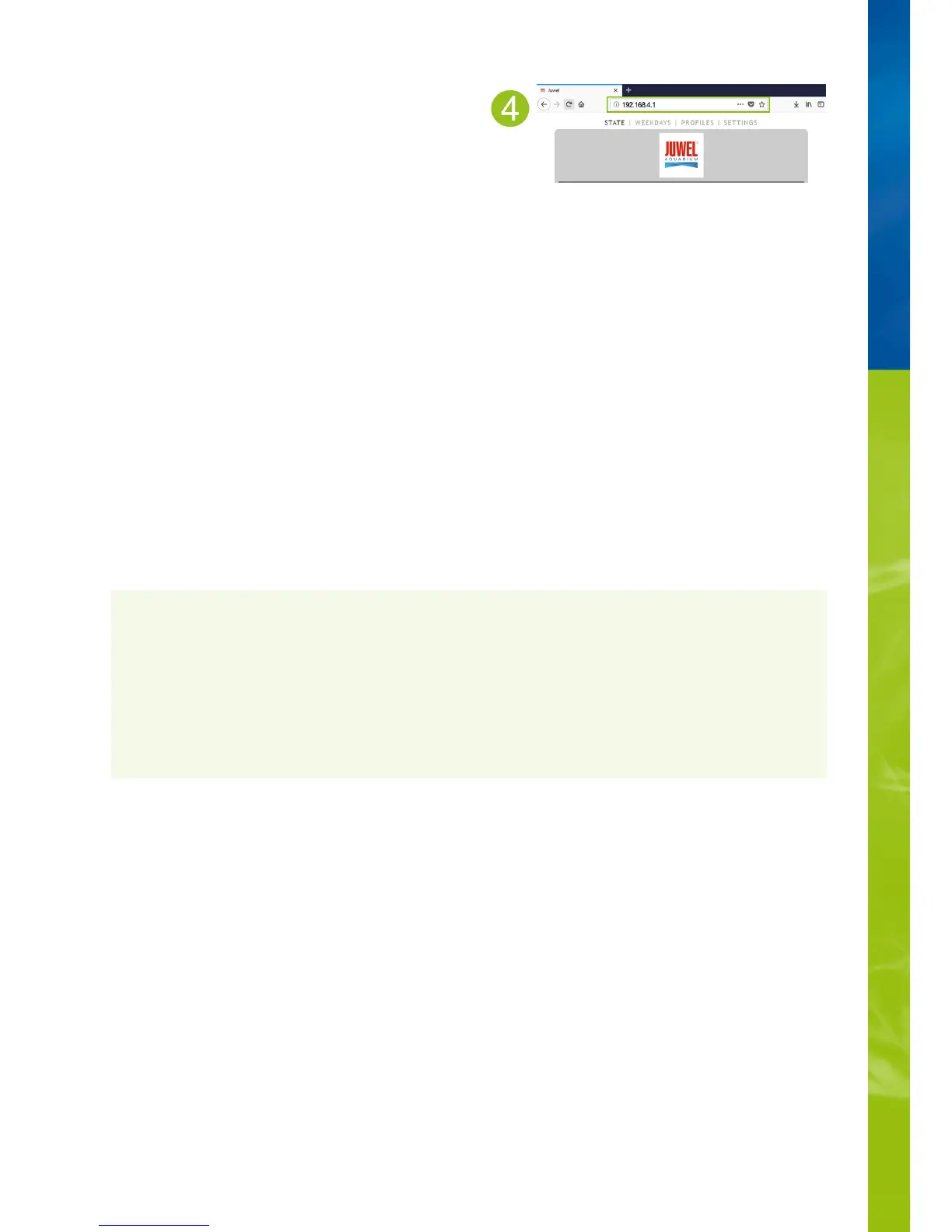
4. Once the connection has been established successfully, the
HeliaLux SmartControl user interface may be accessed by
entering the IP address (192.168.4.1) in your Internet browser's
address line. The user interface may alternatively be accessed by
entering "http://local.HLSmartControl" in your Internet browser's
address bar.
Notice: We recommend the use of up-to-date / common
browsers.
If you do not operate your SmartControl in Access Point
Mode but have connected it to your home network, please
read the section '
HeliaLux SmartControl in home networks
'.
•
You can alternatively return your SmartControl to Access
Point Mode. Please refer to '
Switching from home network
to Access Point Mode
' to this end.
•


 To Next Page