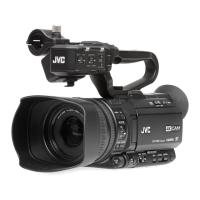
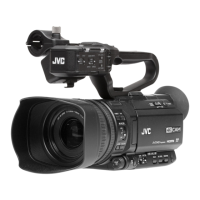
LCD Monitor
.
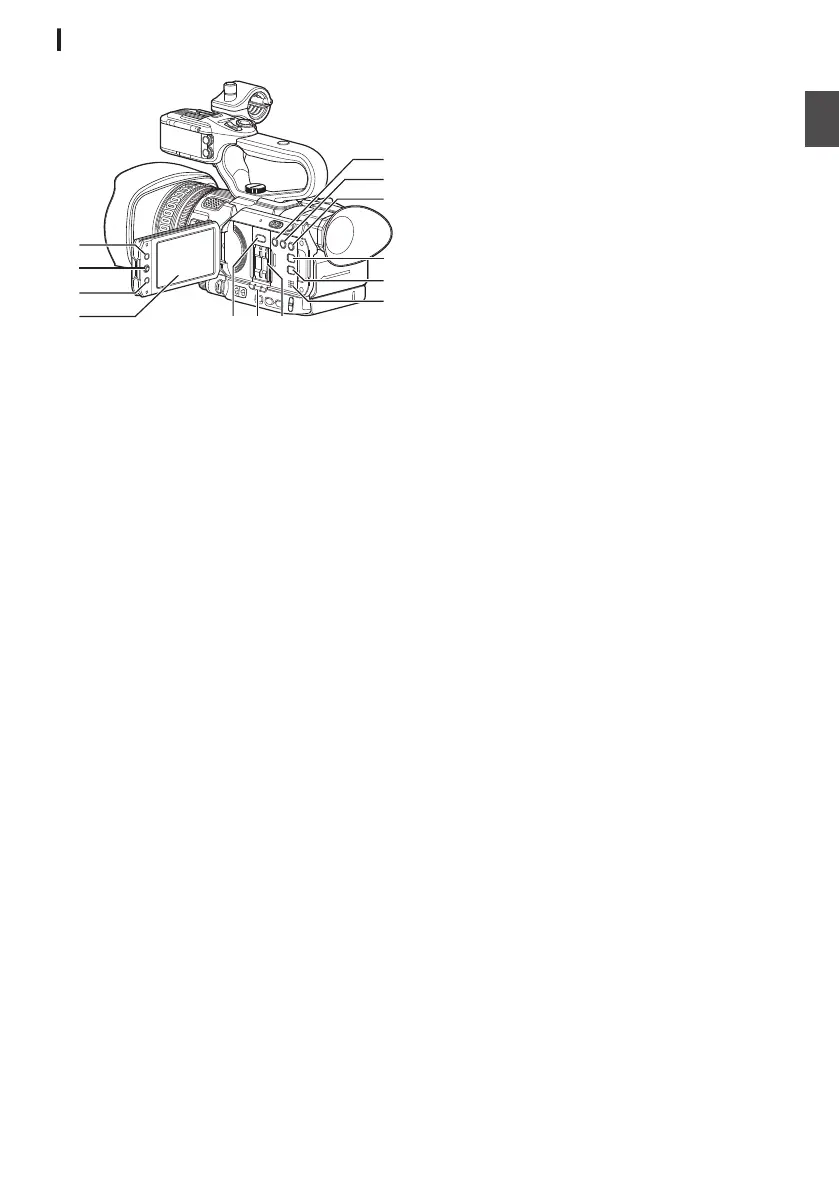
A
LCD Monitor
(A P40 [Adjusting the LCD Monitor and
Viewfinder] )
B
[CANCEL/STOP] Cancel/Stop Button
Cancels various settings and stops playback.
C
LCD
Cross-Shaped Button (JKHI)/Set Button
(R)
0
The function changes according to the
operation status of the camera recorder.
0
During menu operation (all modes)
(A P97 [Basic Operations in Menu
Screen] )
0
During Camera mode
0
You can use it as a user button by assigning
a specific feature in the menu setting to this
button.
(A P42 [Assignment of Functions to User
Buttons] )
D
[MENU/THUMB] Menu/Thumbnail Button
0
Displays the menu screen during Camera
mode.
0
Switches between [Main Menu
] and
[Favorites Menu] when the [MENU/THUMB]
button is pressed and held down while the
menu screen is displayed.
(A P97 [Basic Operations in Menu
Screen] )
0
Displays the menu
screen when the button is
pressed during thumbnail display in the
Media mode.
0
Stops playback and displays the thumbnail
screen when the button is pressed during
playback screen display in the Media mode.
E
[LOLUX/3] Low-light Shooting/User 3 Button
0
For switching the low-light shooting mode
ON or OFF.
0
You can also use it as a user button by
assigning a specific feature in the menu
setting to this button.
(A P42 [Assignment of Functions to User
Buttons] )
F
[C.REVIEW/4] Clip Review/User 4 Button
0
For checking the most recently captured
images.
(A
P77 [Viewing Recorded Videos
Immediately (Clip Review)] )
0
You can also use it as a user button by
assigning a specific feature in the menu
setting to this button.
(A
P42 [Assignment of Functions to User
Buttons] )
G
[ZEBRA/5] Zebra/User 5 Button
0
For switching the
zebra pattern display ON or
OFF.
(A P76 [Setting Zebra Pattern] )
0
You can use it as a user button by assigning
a specific feature in the menu setting to this
button.
(A P42 [Assignment of Functions to User
Buttons] )
H
[DISPLAY] Display Button
0
Press the [DISPLAY
] button to switch to the
display screen during normal screen display
(when the menu screen is not displayed).
(A P38 [Display Screen] )
0
Switches between [Main Menu]
and
[Favorites Menu] when the [DISPLAY] button
is pressed while the menu screen is
displayed.
(A P97 [Basic Operations in Menu
Screen] )
I
[STATUS] Status Screen Display Button
Press
the [STATUS] button to display the status
screen on the viewfinder and LCD monitor
during normal screen display (when the menu
screen is not displayed).
(A P39 [Status Screen] )
J
Monitor Speaker
(A P91 [Audio Output during Playback] )
K
SD Card Slot
(A P44 [Inserting an SD Card] )
L
Card Slot A/B Status Indicator
M
[SLOT SEL] Card Slot Selection Button
For switching the active card slot during
shooting and playback.
Names of Parts
25
Introduction


 To Next Page
 Loading...