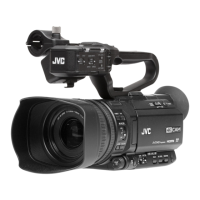
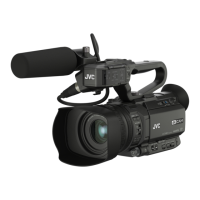
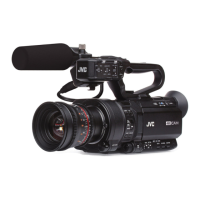
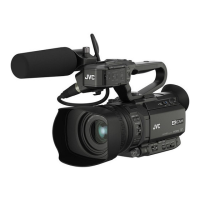
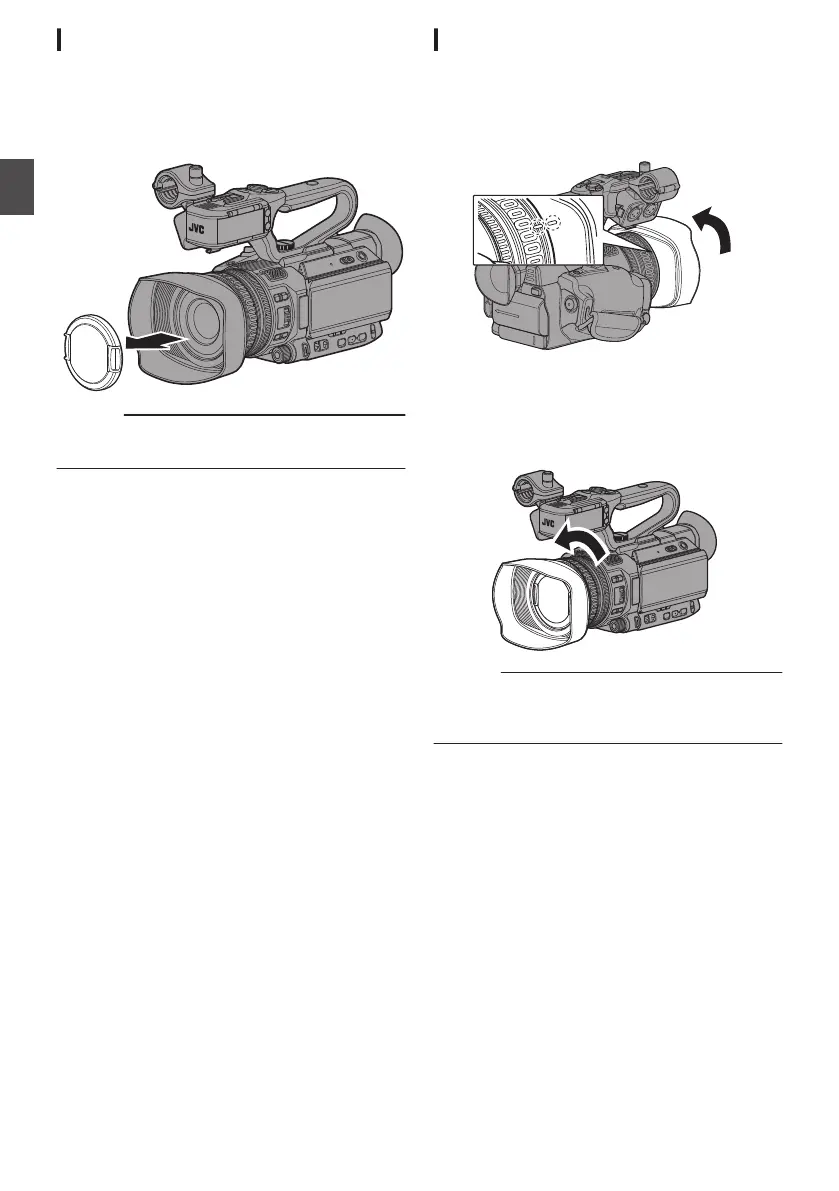
Attaching/Detaching the Lens Cap
0
Before shooting, detach the lens cap.
0
When this camera
recorder is not in use, attach
the lens cap to protect the lens.
0
Pinch the tabs on both sides of the lens cap to
attach and detach the lens cap.
.
Caution :
0
Do not press against the lens cap with force.
Doing so may damage the lens or the cap.
Attaching/Detaching the Hood
Attaching the Hood
Align the markings on the camera recorder and
hood; turn the hood in the direction of the arrow
(clockwise) until it is locked.
.
Detaching the Hood
0
To detach the hood, turn the hood in the
direction opposite to attaching it
(counterclockwise).
.
Caution :
0
Remove the hood when attaching a filter,
teleconverter or wide
converter to the front of the
lens.
30
Settings and Adjustments Before Use
Preparations


 To Next Page
 Loading...