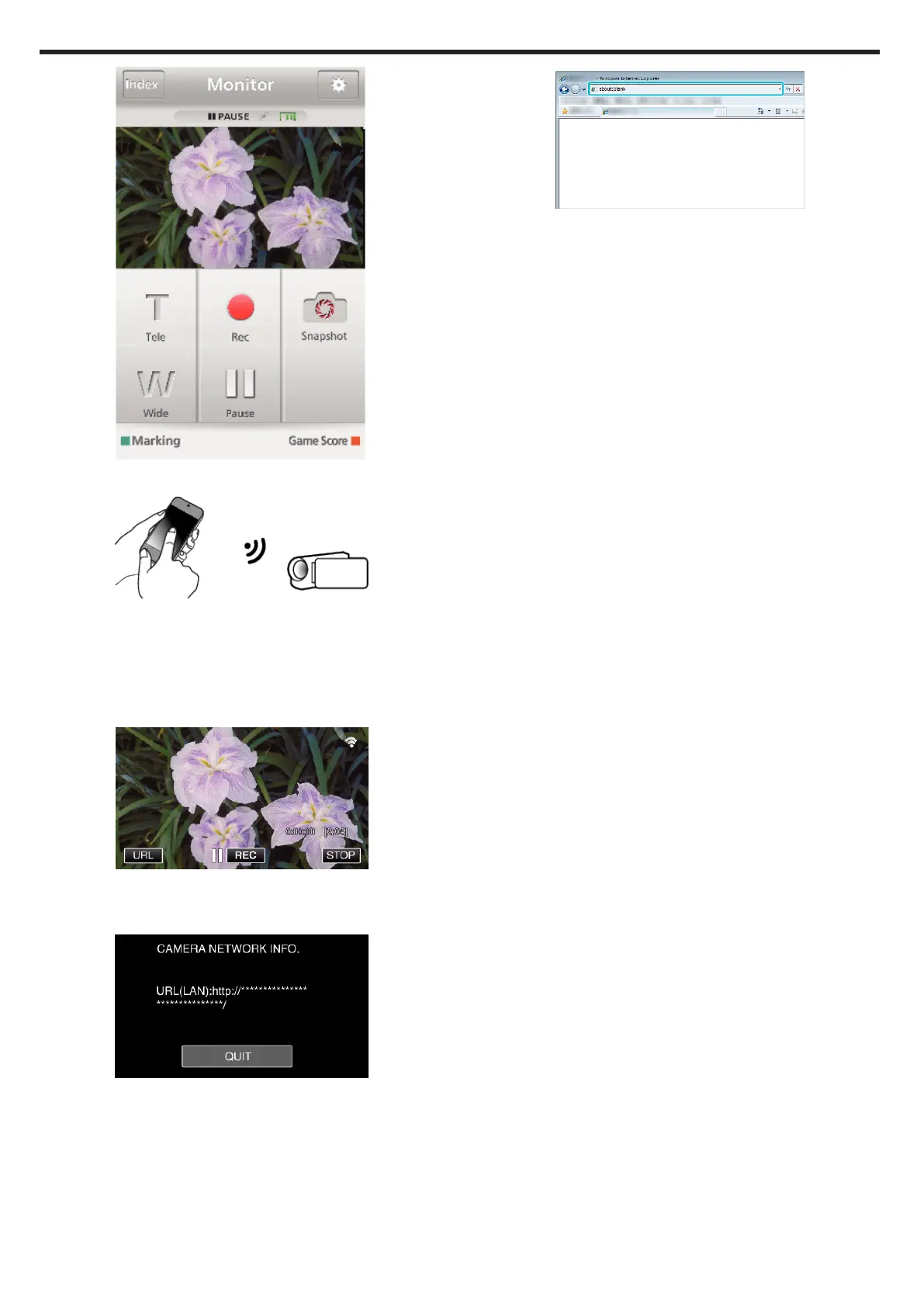
.
4
Operate from a smartphone
.
0
How to operate from a smartphone
“Using Smartphone Applications” (A p. 180)
o
Computer (Windows 7)
1
Tap the URL button shown on the camera’s screen.
(displayed when the computer and the camera are connected
wirelessly.)
.
0
The URL for the computer to connect to appears.
2
Check the URL displayed on the camera screen, which starts from
“http://”.
.
0
After checking the URL, tap “QUIT” to return to the previous screen.
3
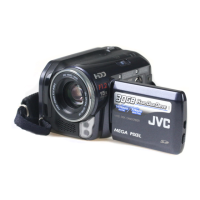
Start Internet Explorer (web browser) on the computer and enter the
URL.
.
Using Wi-Fi by Creating a QR Code (GZ-EX575/GZ-EX555/GZ-EX515)
206


 To Next Page