11
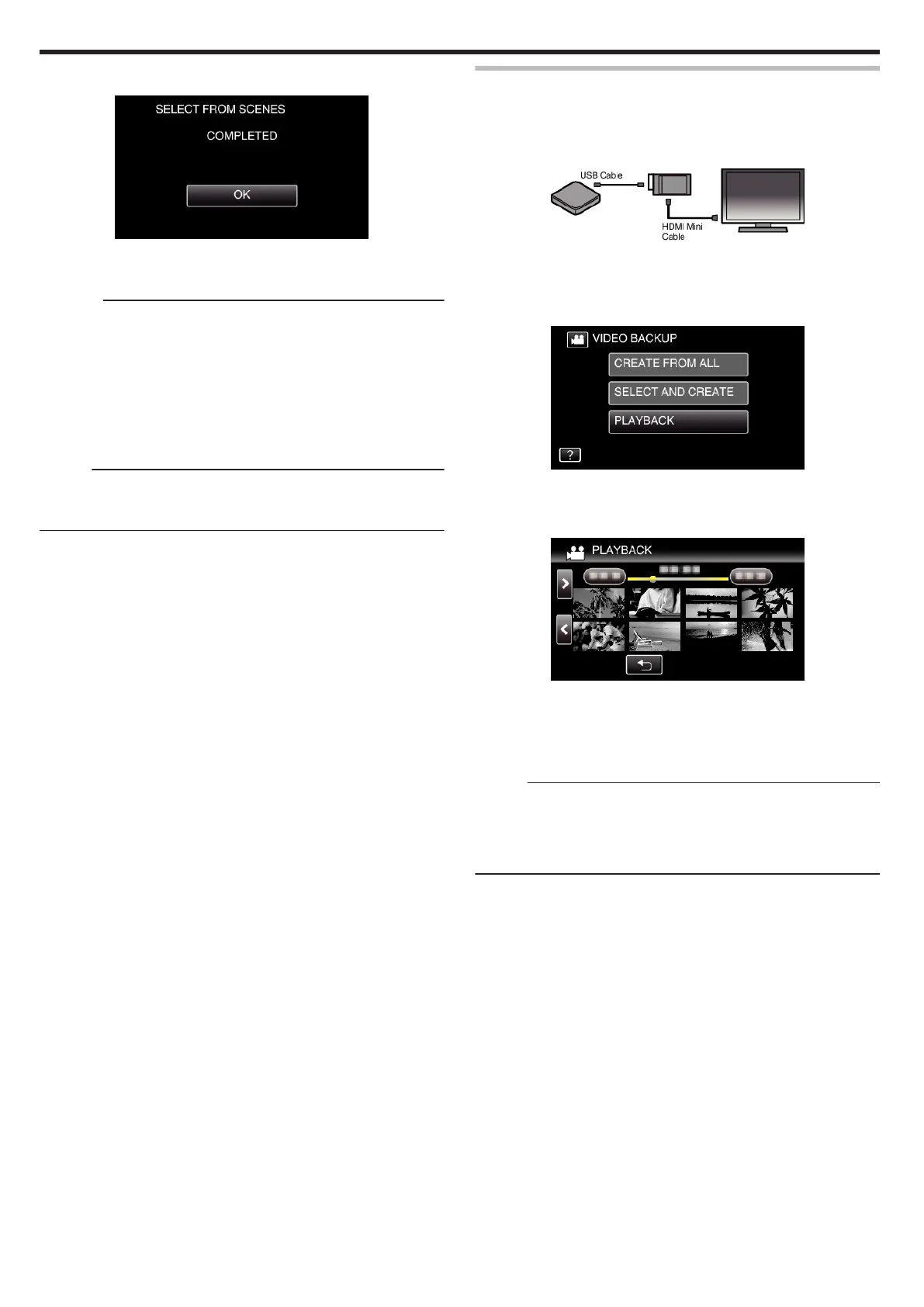
Tap “OK” when “COMPLETED” is displayed.
.
12
Press and hold the M button for 2 seconds or more to turn off this unit
and disconnect the USB cable.
Caution :
0
Do not turn off the power or remove the USB cable until copying is
complete.
0
Files that are not on the index screen during playback cannot be copied.
Special files cannot be copied either.
0
All DVDs will be finalized automatically.
While files cannot be added to the DVD-R/DVD-RW later, files can still be
added to the BD-R/BD-RE.
0
DVDs that are created in “DVD(AVCHD)” format are playable only on
AVCHD compatible devices.
Memo :
0
To check the created disc, refer to ““Playing Back with a BD Writer
(External Blu-ray Drive)” (A p. 102) ”.
“Playing Back with a BD Writer (External Blu-ray Drive)” (A p. 102)
Playing Back with a BD Writer (External Blu-ray Drive)
You can play back the Blu-ray discs created on this unit.
1
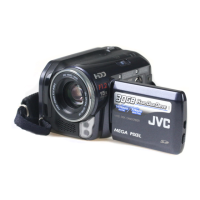
Connect this unit to the BD writer and TV.
(If this unit is not connected to a TV, images can be played back on the
LCD monitor of this unit.)
.
“Preparing a BD Writer (External Blu-ray Drive)” (A p. 95)
“Connecting to and Viewing on TV” (A p. 80)
0
Insert a disc to play back into the BD writer.
2
Tap “PLAYBACK” in the “BACK-UP” menu.
.
0
An index screen (thumbnail display) of the videos in the disc appears.
0
Tap the A icon to switch between the video and still image modes.
3
Tap on the file to start playback.
.
0
For details on video playback, refer to ““Operation Buttons for Video
Playback” (A p. 67) ”.
“Operation Buttons for Video Playback” (A p. 67)
0
To exit, stop playback and turn off the camcorder by pressing the M
button for about 2 seconds. Then, disconnect the USB cable.
Memo :
0
To play back the recorded image on TV, connect this unit via the HDMI
mini cable or the AV cord while this unit is connected to the BD writer
(external Blu-ray drives).
“Connecting via the HDMI Mini Connector” (A p. 81)
“Connecting via the AV Connector” (A p. 82)
Copying
102


 To Next Page