19
ENGLISH
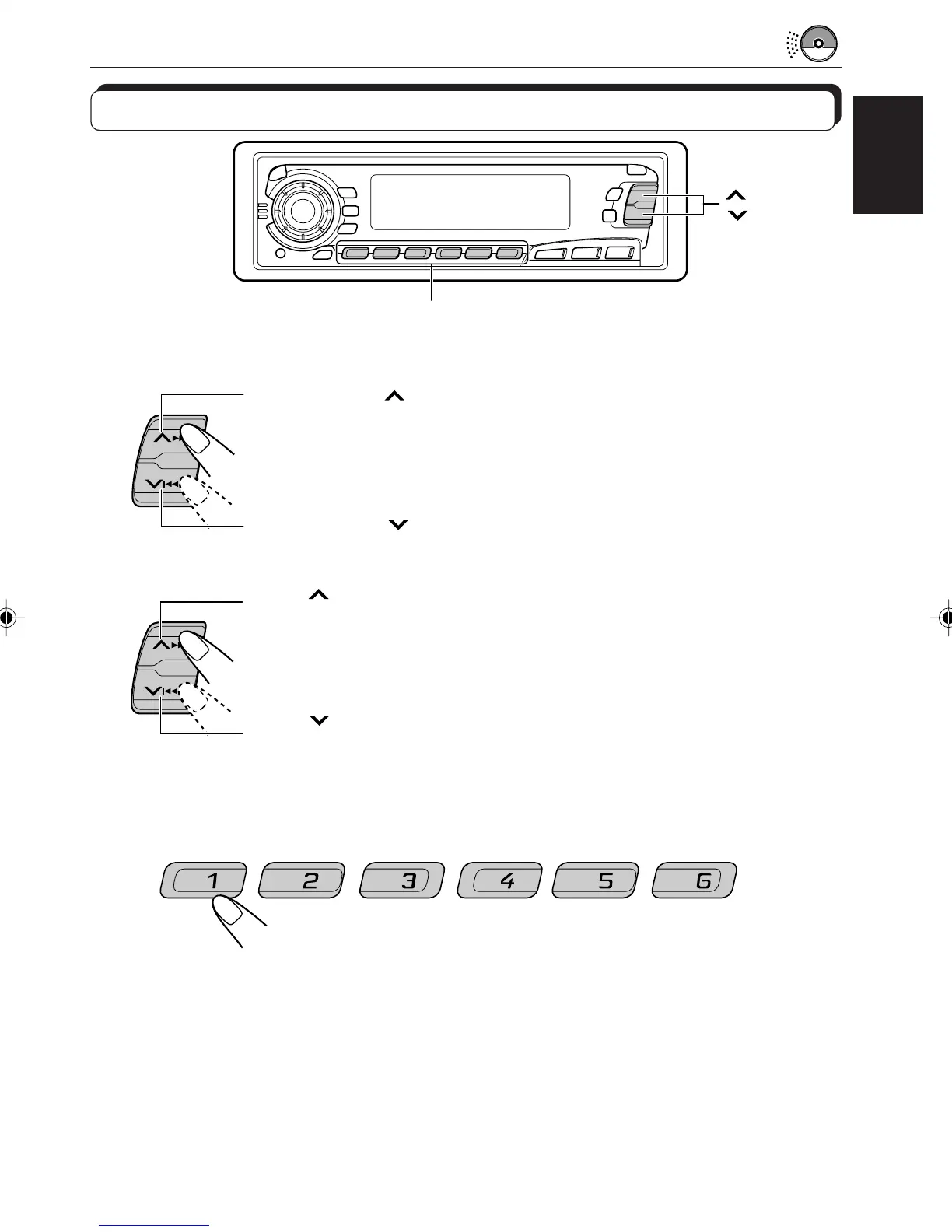
To fast-forward or reverse the track
To go to the next tracks or the previous tracks
To go to a particular track directly
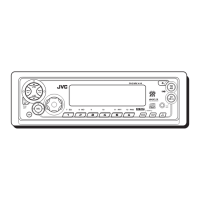
Press the number button corresponding to the track number to start its
playback.
• To select a track number from 1 – 6:
Press 1 (7) – 6 (12) briefly.
• To select a track number from 7 – 12:
Press and hold 1 (7) – 6 (12) for more than 1 second.
Locating a track or a particular portion on a CD
CD
CD-CH
FM/AM
Press and hold
¢, while playing a CD, to fast-forward the track.
Press and hold
4, while playing a CD, to reverse the track.
Press
¢ briefly, while playing a CD, to go ahead to the beginning of
the next track. Each time you press the button consecutively, the beginning
of the next tracks is located and played back.
Press 4 briefly, while playing a CD, to go back to the beginning of
the current track. Each time you press the button consecutively, the
beginning of the previous tracks is located and played back.
¢
4
Number buttons
7 8 9 10 11 12
EN18-21.KD-SX979R[E]/f 00.1.20, 2:01 PM19


 To Next Page
 Loading...