45
ENGLISH
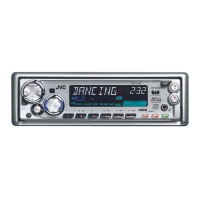
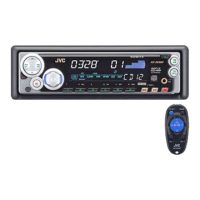
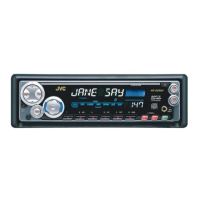
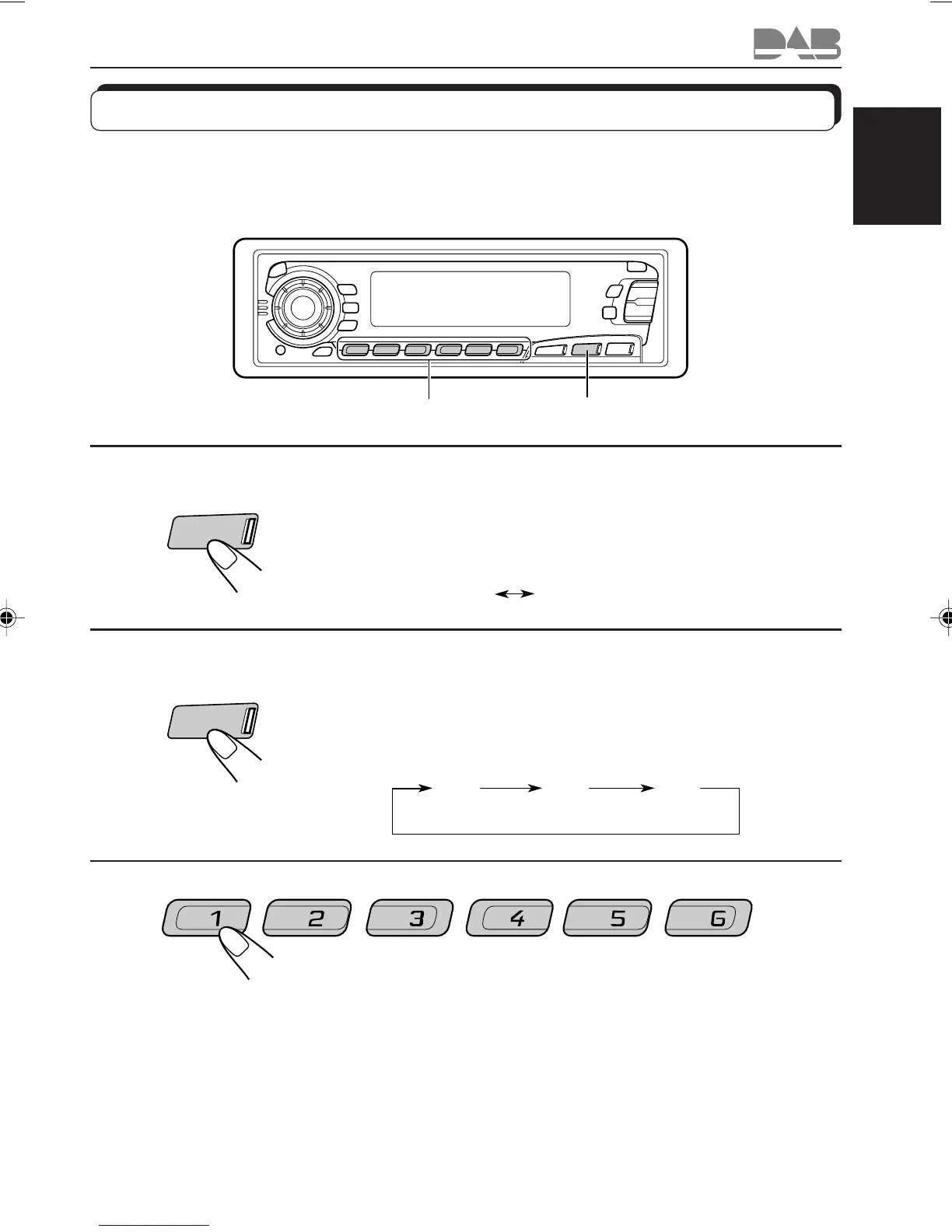
Tuning into a preset DAB service
You can easily tune into a preset DAB service.
Remember that you must store services first. If you have not stored them yet, see pages 43
and 44.
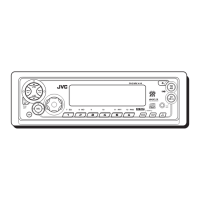
1
Select the DAB tuner.
Each time you press and hold the button, the DAB tuner and
the FM/AM tuner are alternately selected.
2
Select the DAB band (DAB1, DAB2, or DAB3)
you want.
Each time you press the button, the DAB band changes as
follows:
3
Select the number (1 – 6) for the preset DAB
service you want.
(DAB 1) (DAB 2)
(DAB 3)
D1 D2
D3
1,2
3
DAB
FM/AM
DAB
FM/AM
DAB
FM/AM
EN41-46.KD-SX979R[E]/f 00.1.20, 2:09 PM45


 To Next Page
 Loading...