33
ENGLISH
Selecting the scroll mode
You can select the scroll mode for the name display and disc information if it consists of more
than 8 characters. When shipped from the factory, Auto Scroll mode is set to “ONCE.”
• ONCE: Scrolls only once.
• AUTO: Repeats the scroll (5-second intervals in between).
• OFF: Cancels Auto Scroll.
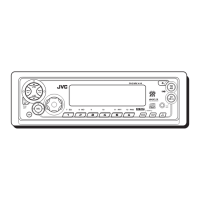
1 Press and hold SEL (select) for more than 2 seconds so that one of the PSM items appears
on the display.
2 Select “SCROLL” with
¢ or 4.
3 Select the desired mode with the control dial.
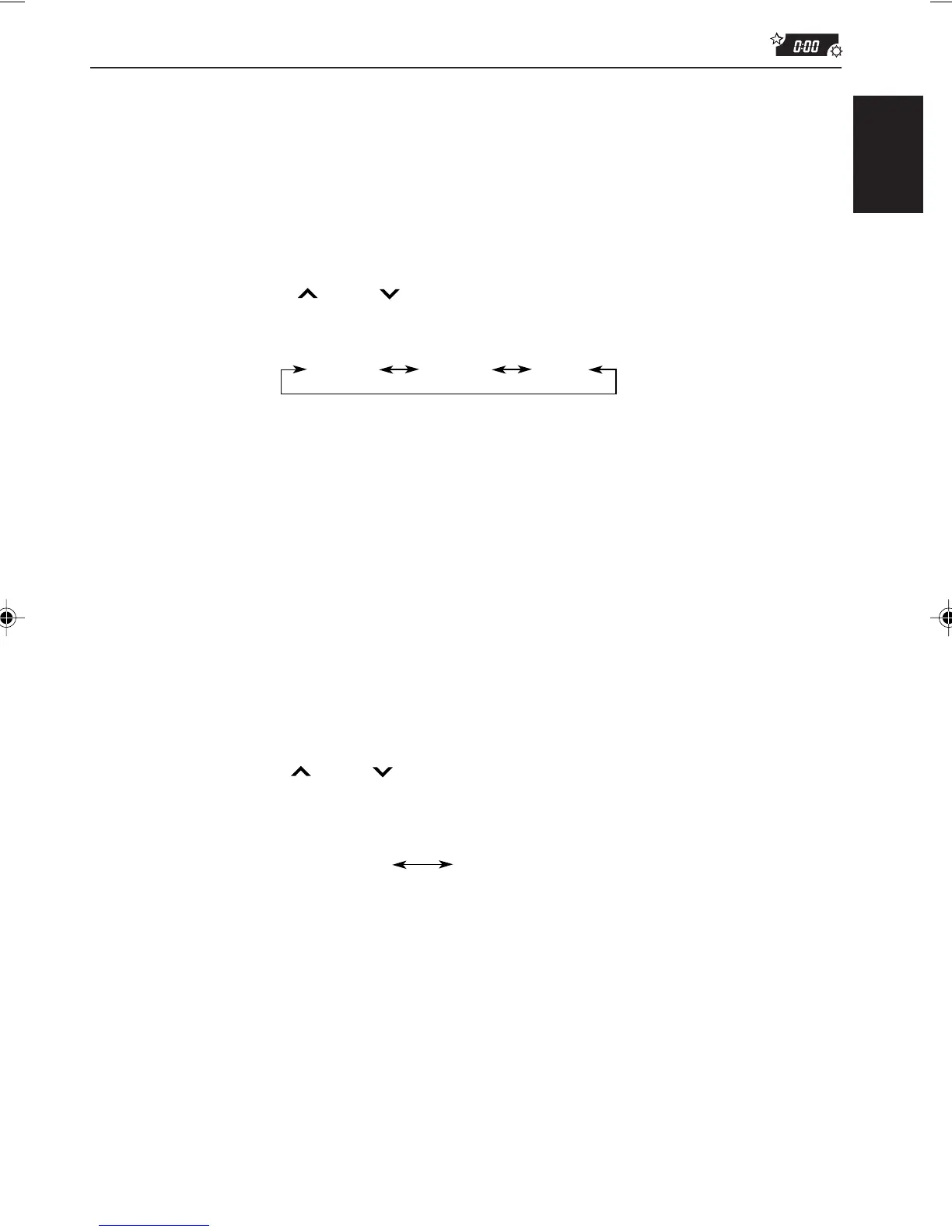
The scroll mode changes as follows:
Note:
Even if the scroll mode is set to “OFF,” you can scroll the display by pressing DISP for more than 1
second.
Selecting the external component to use
You can connect the external component to the CD changer jack on the rear using the Line
Input Adaptor KS-U57 (not supplied).
To use the external component as the playback source through this unit, you need to select
which component — CD changer or external component — to use. When shipped from the
factory, CD changer is selected as the external component.
• LINE IN: To use the external component other than CD changer
• CHANGER: To use the CD changer
1 To change the source to FM, AM or CD, press FM/AM or CD.
2 Press and hold SEL (select) for more than 2 seconds so that one of the PSM items appears
on the display.
3 Select “LINE IN” with
¢ or 4.
4 Select the desired mode with the control dial.
The external component selecting mode changes as follows:
Note:
For connecting the Line Input Adaptor KS-U57 and the external component, refer to the Installation/
Connection Manual (separate volume).
AUTO
ONCE
OFF
LINE IN CHANGER
EN26-33.KD-SX979R[E]/f 00.1.20, 2:03 PM33



 To Next Page
 Loading...