39
ENGLISH
Selecting CD playback modes
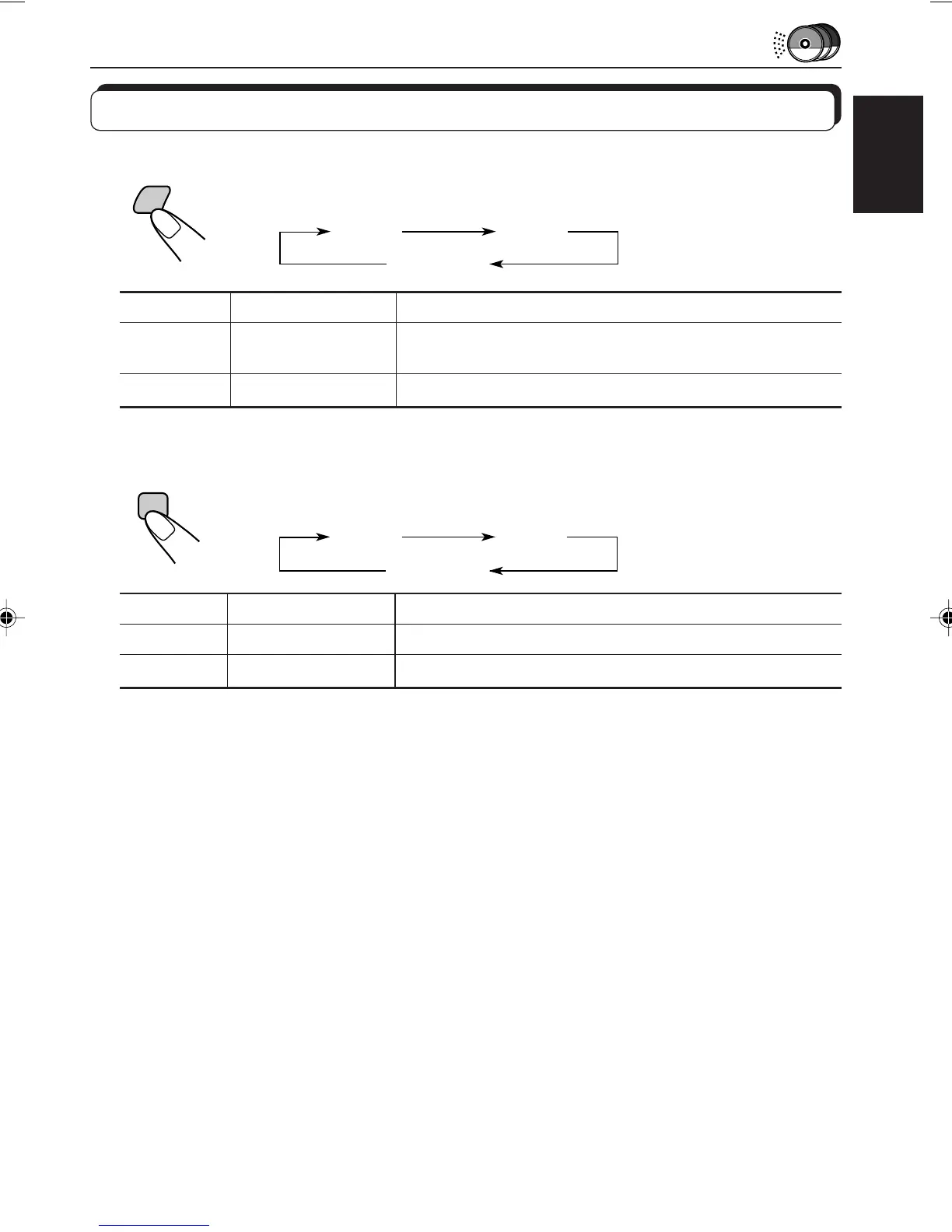
To play back tracks at random (Random Play)
Each time you press MO RND (Monaural/Random) while playing a CD, CD
random play mode changes as follows:
Mode RND Indicator Plays at random
RND1 Lights All tracks of the current disc, then the tracks of the
next disc, and so on.
RND2 Flashes All tracks of all discs inserted in the magazine.
To play back tracks repeatedly (Repeat Play)
Each time you press RPT (Repeat), while playing a CD, CD repeat play
mode changes as follows:
Mode RPT Indicator Plays repeatedly
RPT1 Lights The current track (or specified track).
RPT2 Flashes All tracks of the current disc (or specified disc).
RND1
(Random1)
RND2
(Random2)
Canceled
RPT
RPT1
(Repeat1)
RPT2
(Repeat2)
Canceled
MO
RND
EN37-39.KD-SX979R[E]/f 00.1.20, 2:07 PM39


 To Next Page
 Loading...