26
ENGLISH
OTHER MAIN FUNCTIONS
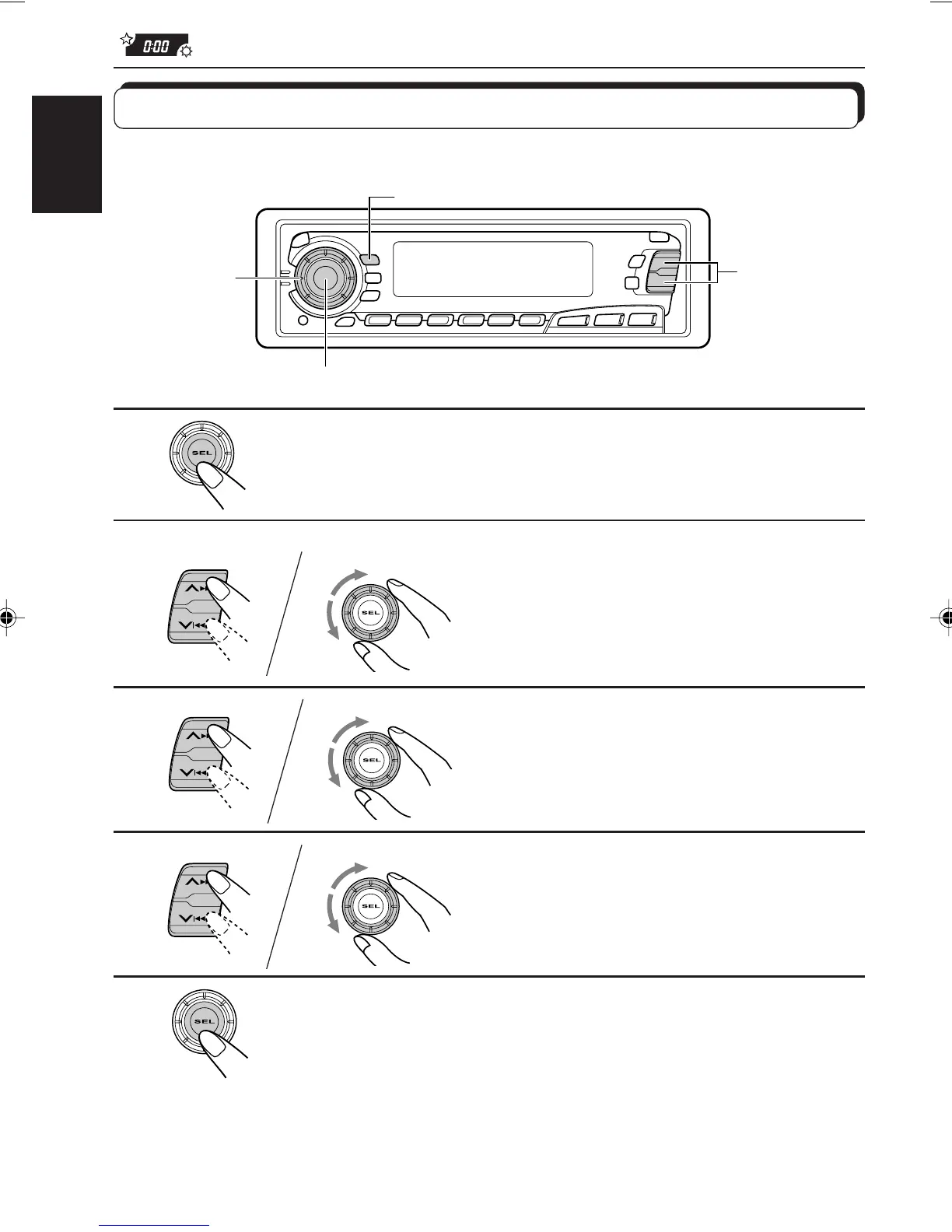
Setting the clock
You can also set the clock system either to 24 hours or 12 hours.
1
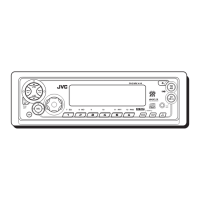
Press and hold SEL (Select) for more than 2 seconds
so that one of the PSM items appears on the display.
2
Set the hour.
1 Select “CLOCK H (Hour)” if not
shown on the display.
2 Adjust the hour.
3
Set the minute.
1 Select “CLOCK M (Minute).”
2 Adjust the minute.
4
Set the clock system.
1 Select “24H/12H.”
2 Select “24H” or “12H.”
5
Finish the setting.
To check the current clock time while the unit is turned off, press DISP.
The power turns on, the clock time is shown for 5 seconds, then the power turns off.
1,5
2,3,4
2,3,4
CD
CD-CH
FM/AM
1
2
1
2
1
2
DISP
EN26-33.KD-SX979R[E]/f 00.1.20, 2:02 PM26


 To Next Page
 Loading...