40
ENGLISH
EXTERNAL COMPONENT OPERATIONS
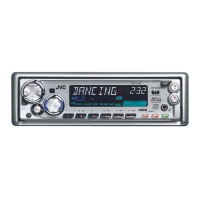
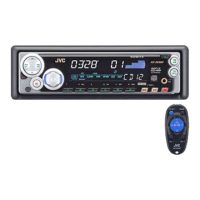
You can connect the external component to the CD changer jack on the rear using the Line
Input Adaptor KS-U57 (not supplied).
Preparations:
• For connecting the Line Input Adaptor KS-U57 and the external component, refer to the Installation/
Connection Manual (separate volume).
• Before operating the external component using the following procedure, select the external input
correctly. (See “Selecting the external component to use” on page 33.)
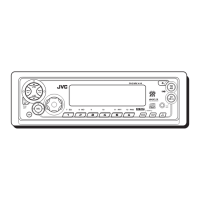
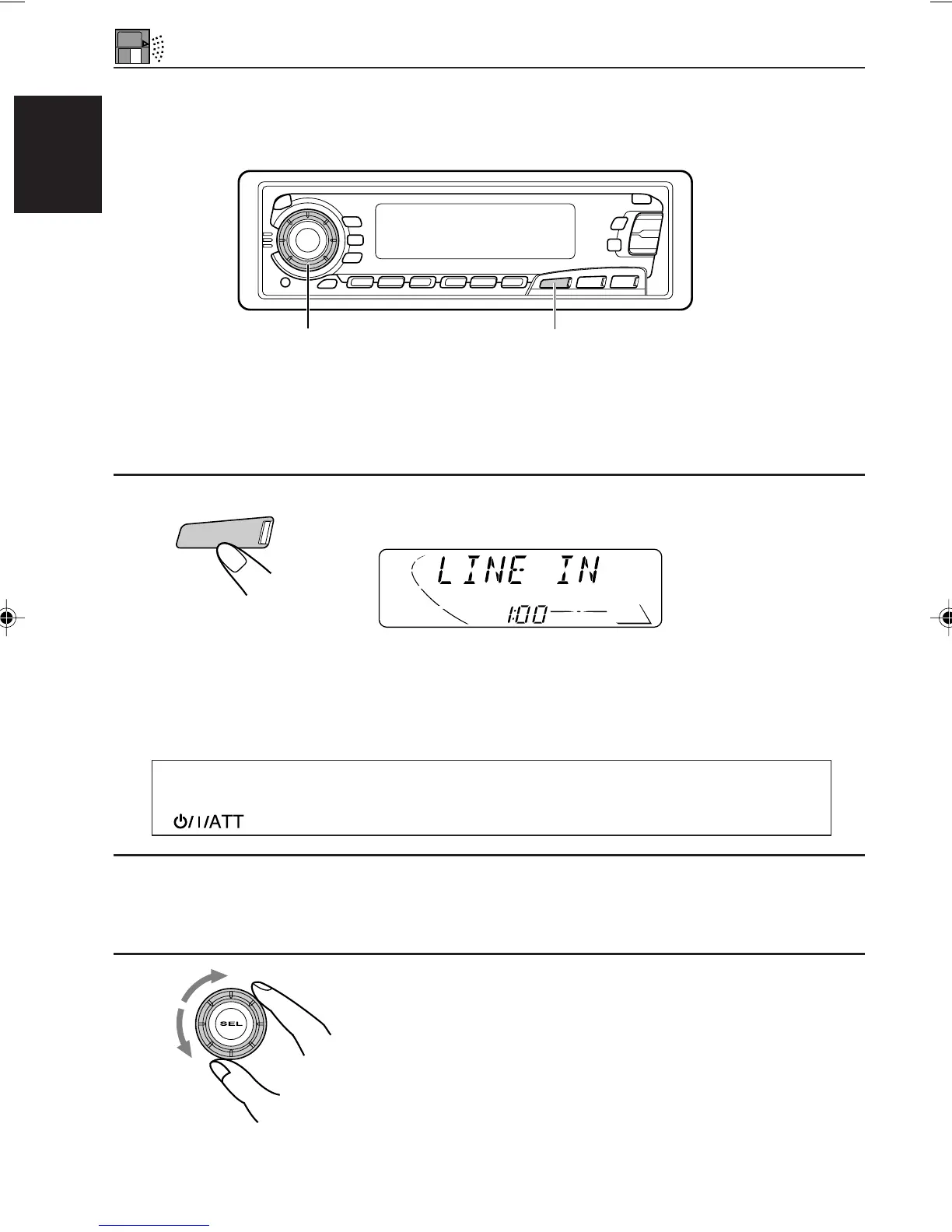
1
Select the external component.
• If “LINE IN”* does not appear on the display, see page 33
and select the external input (“LINE IN”).
2
Turn on the connected component and start playing the source.
3
Adjust the volume.
3
1
* Displayed only when one of the following sources is selected
— FM, AM and CD.
Note on One-Touch Operation:
When you press CD-CH, the power automatically comes on. You do not have to press
to turn on the power.
CD
-CH
EN40-40.KD-SX979R[E]/f 00.1.20, 2:08 PM40


 To Next Page
 Loading...