9
ENGLISH
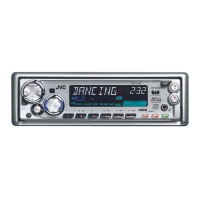
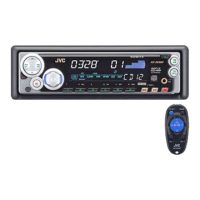
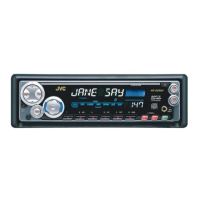
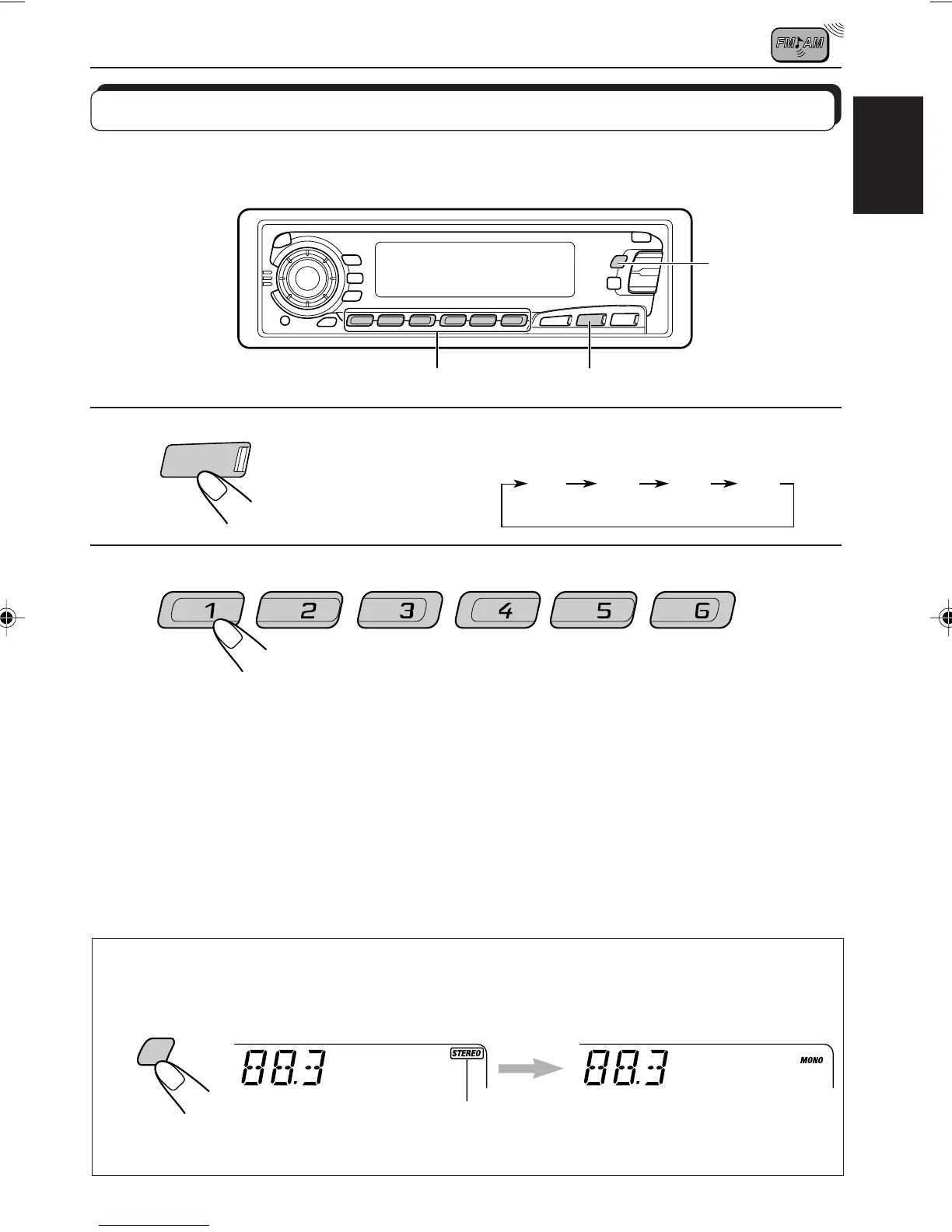
Tuning into a preset station
You can easily tune into a preset station.
Remember that you must store stations first. If you have not stored them yet, see pages 7
and 8.
1
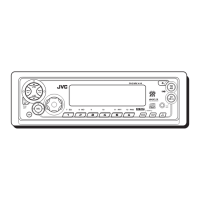
Select the band (FM1, FM2, FM3 or AM)
you want.
2
Select the number (1 – 6) for the preset station
you want.
F1
(FM1)
F2
(FM2)
F3
(FM3)
AM
FM/AM
When an FM stereo broadcast is hard to receive:
Press MO RND (Monaural/Random) while listening to an FM stereo broadcast. The sound
you hear becomes monaural but reception will be improved.
To restore the stereo effect, press the same button again.
Lights up when receiving an FM broadcast in stereo.
MO
RND
2
1
MO RND
EN06-09.KD-SX979R[E]/f 00.1.20, 1:27 PM9


 To Next Page
 Loading...