25English
English
Resetting the System
(reset to the default settings)
Make sure that the AC power cord is not
connected.
1
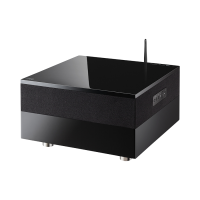
Press and hold [ ] (standby/on) on the
System and insert the AC power cord.
When reset is complete, the STANDBY
indicator flashes in red 3 times.
NOTE
• This operation deletes all data from the
memory and resets the System to the default
settings.
Other cautions
Do not connect to the main power supply
when the grill (on the bottom of the System) is
not attached.
SP-AP1[E]04.indd25SP-AP1[E]04.indd25 2013/10/1614:192013/10/1614:19
Downloaded from www.vandenborre.be


 To Next Page