27
26
CARE - CLEAN ROLLERS
From Android devices
1. Press iScan Air app. Press the settings (settings button depend on
device that you are using). A menu will appear. Select the clean setting.
2. Hold the foam strip of cleaning board facing down, gently insert it into
the feed slot
3. Press the Clean button
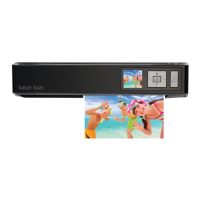
The cleaning board will be pulled into the scanner, and the WiFi LED
indicator will blink pink whilst cleaning. Wait until the cleaning board is
ejected with a ‘Cleaning done’ message
POWER
A8
A6
A4
CARE - CLEAN ROLLERS
From Apple Mac
1. Press iScan Air app. Press the settings at the top-left corner of the
Mac’s screen to reveal the menu, then select the clean setting
2. Hold the foam strip of cleaning board facing down, gently insert it into
the feed slot
3. Press the Clean button
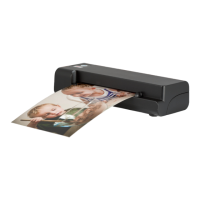
The cleaning board will be pulled into scanner, and the WiFi LED indicator
will blink pink whilst cleaning. Wait until the cleaning board is ejected
with a ‘Cleaning done.’ message. Press the OK button
POWER
A8
A6
A4
MacBook Pro
Note: Advisable to clean rollers periodically using this procedure.
Note: Advisable to clean rollers periodically using this procedure.


 To Next Page
 Loading...