6
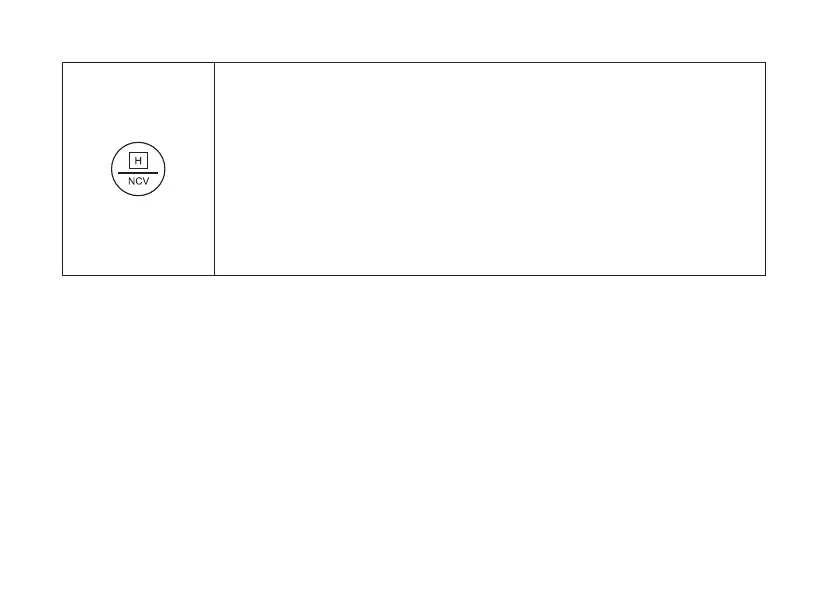
HOLD: The HOLD function holds the currently displayed measured value on
the display so that it can be read or logged in peace.
Make sure that the function is deactivated at the start of the test.
Otherwise an incorrect measurement result will be simulated!
NCV (non-contact AC voltage detection):
Press and hold the button for more than 2 seconds to activate or deactivate
the NCV function.



 To Next Page