Function Buttons
5
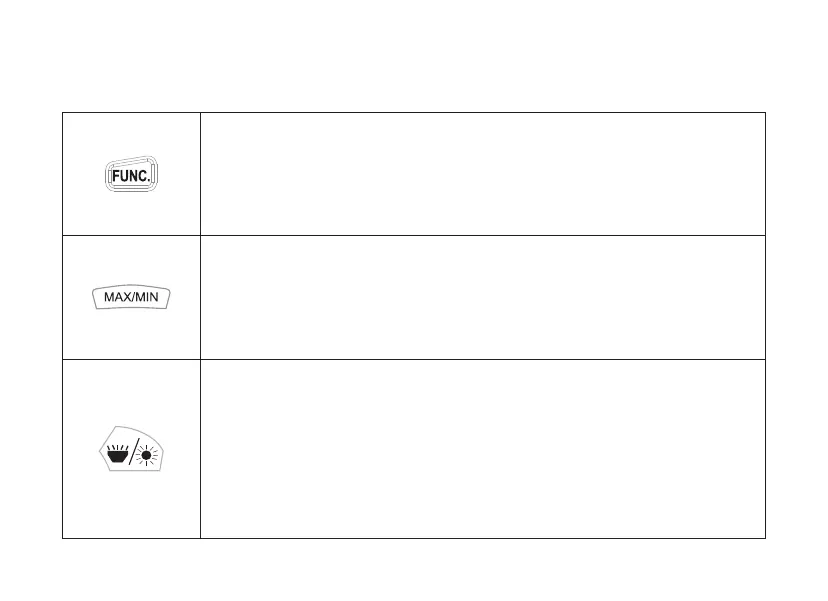
Press the "FUNC.” key to switch the respective secondary function between the
different measurements for the applications accessible via the function switch
such as between AC and DC.
Backlight: Press the button to change the background activate / deactivate lighting.
It turns off automatically after about 10 seconds of inactivity.
Work light: Press and hold this button for more than 2 seconds to switch the
work light on or off.
Press the "MAX / MIN" button to display the minimum or maximum values
one after the other. Press and hold the button for more than 2 seconds to exit
"MAX / MIN" mode.



 To Next Page