6
(OPTIONAL) or any device with trigger switch functionality such as window security
alarms, motion detectors, door switches, etc. Each of the 8 trigger inputs will activate
the associated macro (1~8) when triggered.
Note: A minimum of 5V DC is required to activate each trigger.
5. HDMI OUT Port: Connect to a standard HDMI display to view the unit’s current status
information and access the WebGUI directly without a PC.
Note: HDMI output is locked to a resolution of 1080p@60Hz.
6. USB Port: Connect a USB mouse and keyboard to control the unit’s WebGUI
displayed on the HDMI output port. Firmware update via USB is also supported.
Note: Specialized USB control devices, such as a touch panel, should be connected before the unit
is powered on.
7. LAN 2 Port: Connect directly, or through a network switch, to your PC/ laptop to
control the unit via WebGUI/Telnet.
8. LAN 1(POE) Port: This port is used to connect to the SDVoE devices to be controlled.
Connect to the SDVoE units’ private network through their dedicated network switch,
to enable detection and control over those units.
Note: If the connected network switch supports the IEEE 802.3af 2003 PoE (Power over Ethernet)
standard, this unit can optionally be powered directly via this Ethernet port.
FACTORY RESET Pinhole: Press and hold for 3 seconds to reset the unit to its factory defaults,
including Ethernet settings.
Note: While the reset is in process, the LEDs on the front of the unit will flash. Once the reset is complete, the
unit will return to normal operation. DC 5V Port: Plug the 5V DC power adapter into the unit and connect it
to an AC wall outlet for power. (Optional, not required if the unit is powered via PoE).
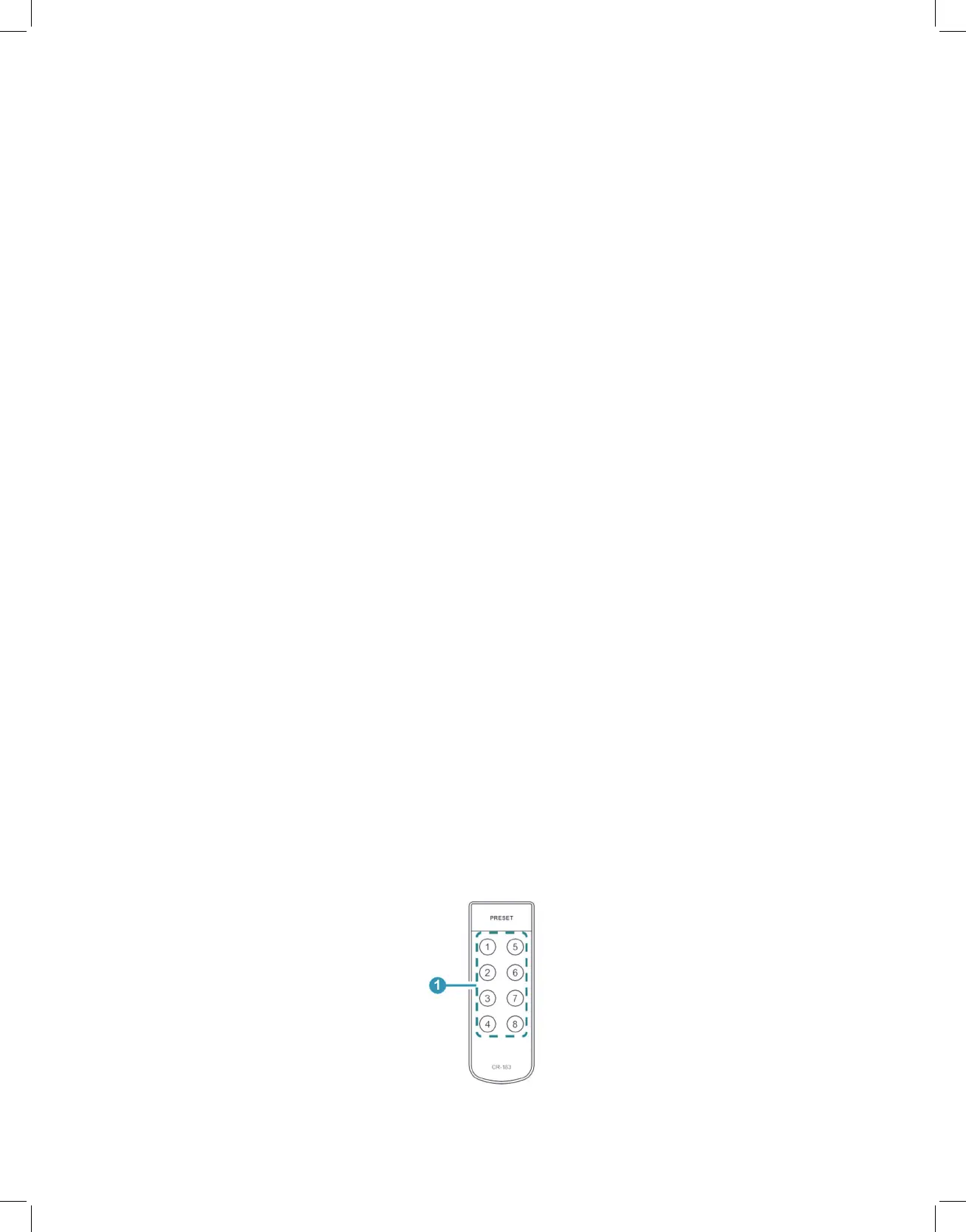
6.3 Remote Control
1. PRESET 1~8: Press any of the 8 buttons to activate the saved preset associated with
that number.



 To Next Page