31
M5101-EN Rev. B |
7.2 Toolbars and Icons
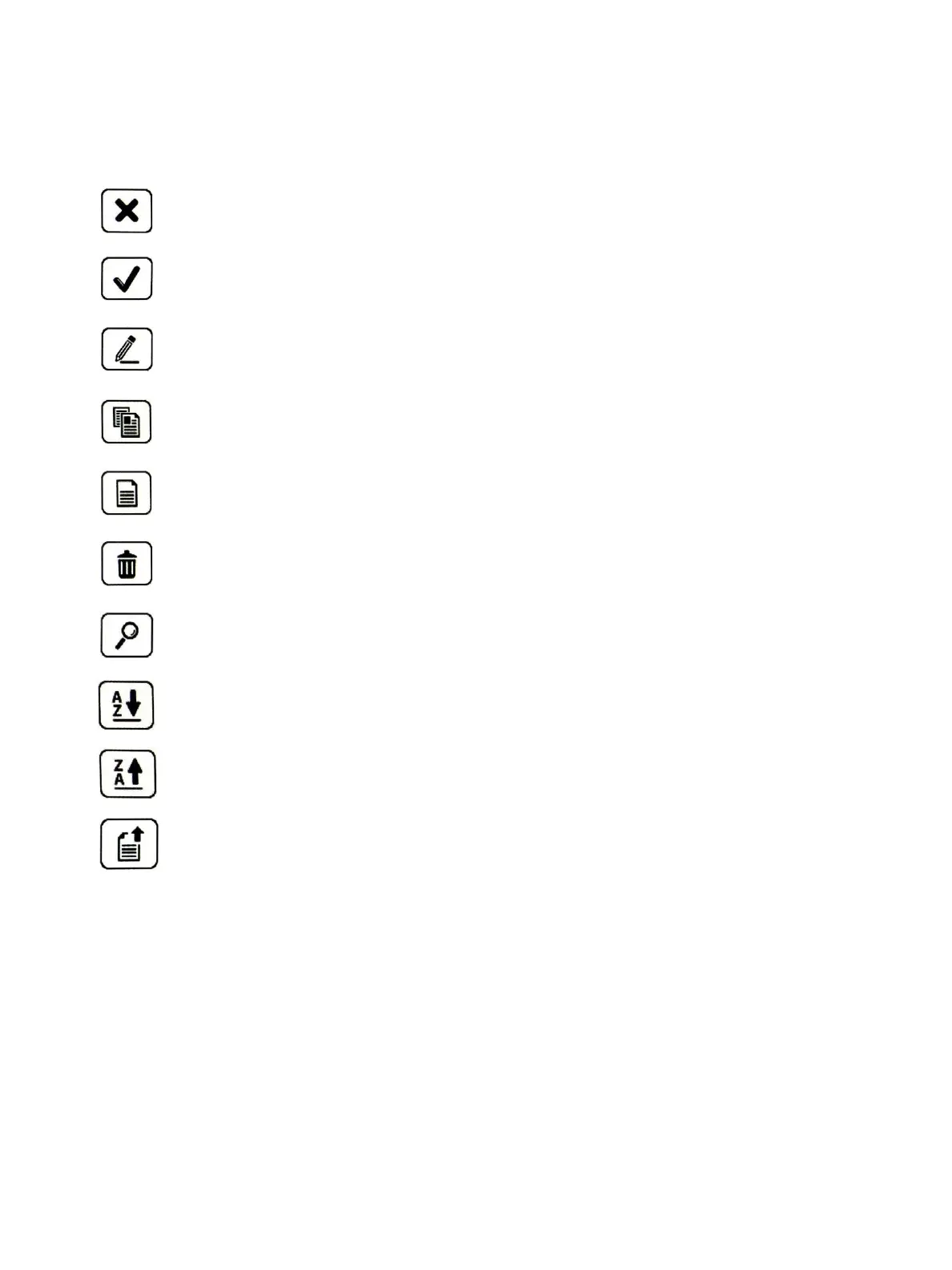
The individual icons and key features of the main screen are presented in brief in the following:
Cancel / Back: Return to the previous window. Changes are discarded without saving.
Input confirmation / Save: The selected value or setting is confirmed and saved.
Manage / Configure: The selected entry is processed and the relevant screen is displayed.
Copy: The selected entry is copied and the relevant screen is displayed.
Create New: A new entry is generated for the selection list and the relevant screen is displayed.
Delete: The selected entry in the selection list is deleted.
Search: The selection list is searched and the result is displayed in the selection list.
Sorting A-Z: The selection list is sorted alphabetically in ascending order.
Sorting Z-A: The selection list is sorted alphabetically in descending order.
Export: The selected entry is copied and the relevant screen is displayed.
Chapter 7. Standalone Manual Mode


 To Next Page