◆Power Assist Level Settings (optional)
Power Assist Level options
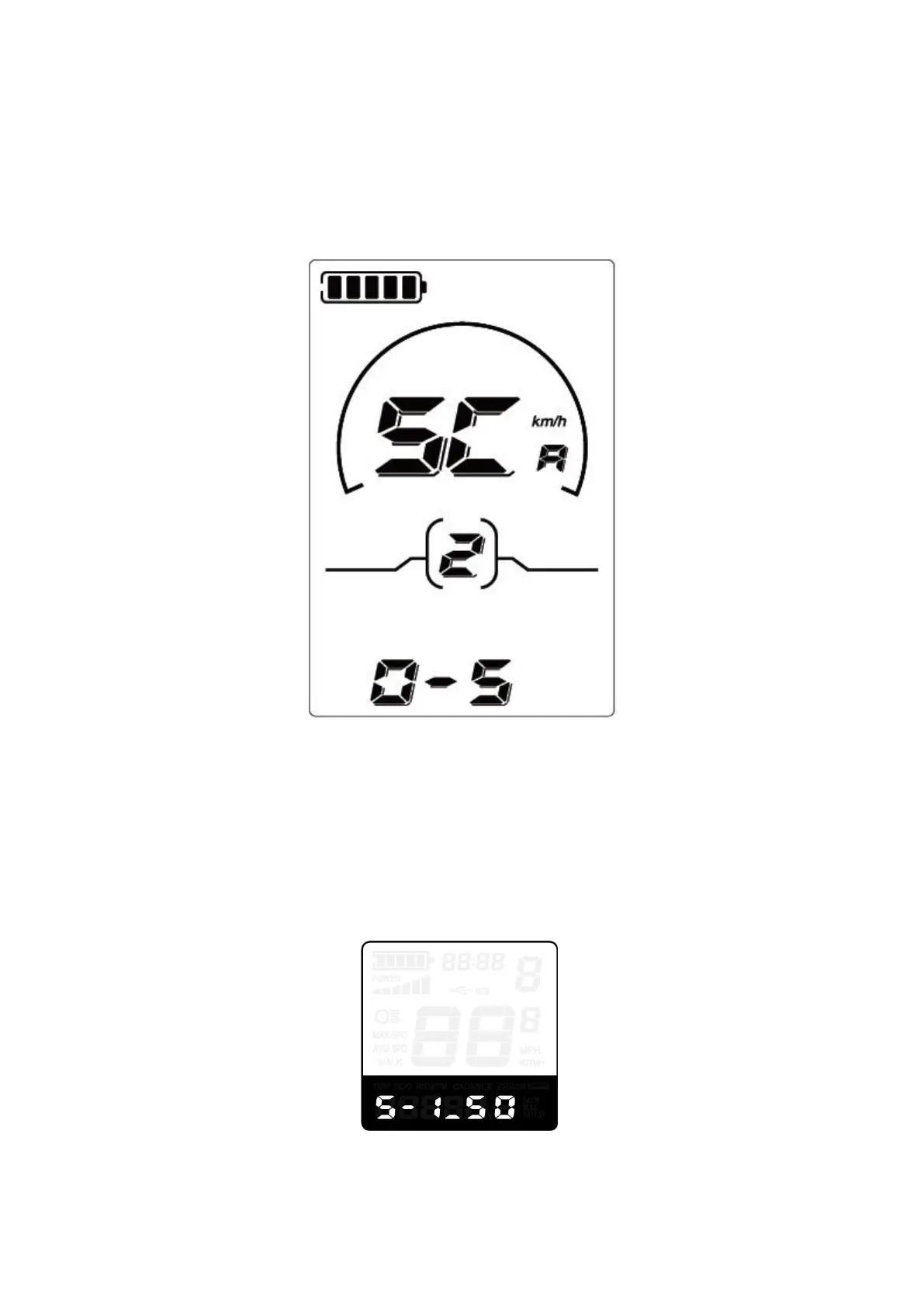
There are 8 PAS level modes for power assist settings: 0-3, 1-3, 0-5, 1-5, 0-7, 1-7, 0-9, 1-9. The default mode
is 0-5.
Press the UP/DOWN button to increase or decrease until the desired mode is displayed.
Press i button to confirm and access the corresponding PAS ratio settings page.
Power assist level interface
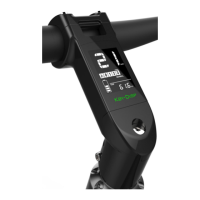
PAS ratio settings
PAS level ratio setting can adjust the speed of a particular PAS level to meet different bikers’ needs. For
instance, the ratio range is 45-55% for level 1. The ratio value can be modified and the default value is 50%.
Press UP or DOWN button to increase or decrease the number. Press i button to confirm and access the next
PAS level ratio setting. Level 9 is the maximum. After all PAS ratios are entered, long press i button to confirm and
return to previous menu.
For PAS level ratio default values, please refer to Attached list 2
PAS ratio settings interface


 To Next Page