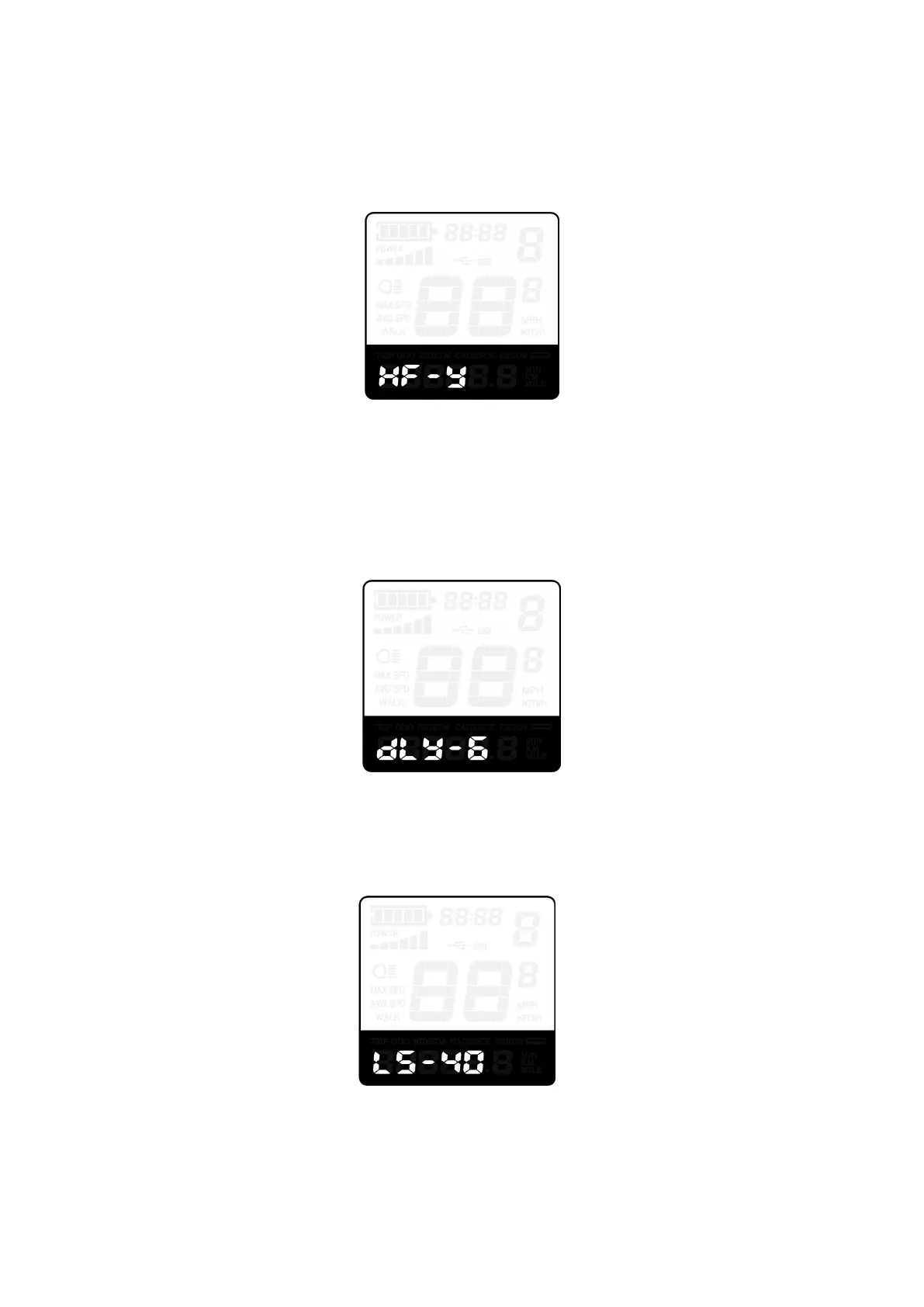
Throttle level enable/disable
HF-y means throttle speed is limited by current PAS level while HF-n means throttle speed is not limited by
current PAS level. The default value is n. If you choose y, the maximum speed can only be the highest speed
powered by current PAS level when you twist the throttle. If you choose n, the maximum speed will not be limited
by current PAS level shown on the display and you can directly reach rated maximum speed when you twist the
throttle. Press UP/DOWN to set Y or N and press i button to confirm and return to push assist enable/disable
setting interface or hold ‘i’ button for 2s to return to previous menu interface.
Throttle level enable/disable
◆System settings (optional)
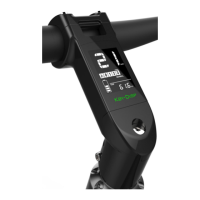
Delay time settings for battery power
DLY represents battery power delay time settings. The default value is 3s.
Press the UP/DOWN button to choose delay time 3s, 6s, 12s to change the settings.
Press i button to confirm and then access the max speed limit settings.
Delay time settings for battery power
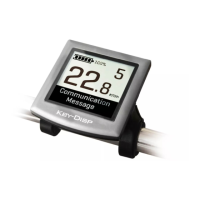
Max speed limit settings
MAX SPD represents max speed limit settings. The default value is 40Km/h.
Press the UP/DOWN button to set the max speed from 25Km/h to 40 Km/h.
Press the i button to confirm and then access Push-assist settings
Max speed limit settings interface
■The maximum speed is set by the display manufacturer


 To Next Page