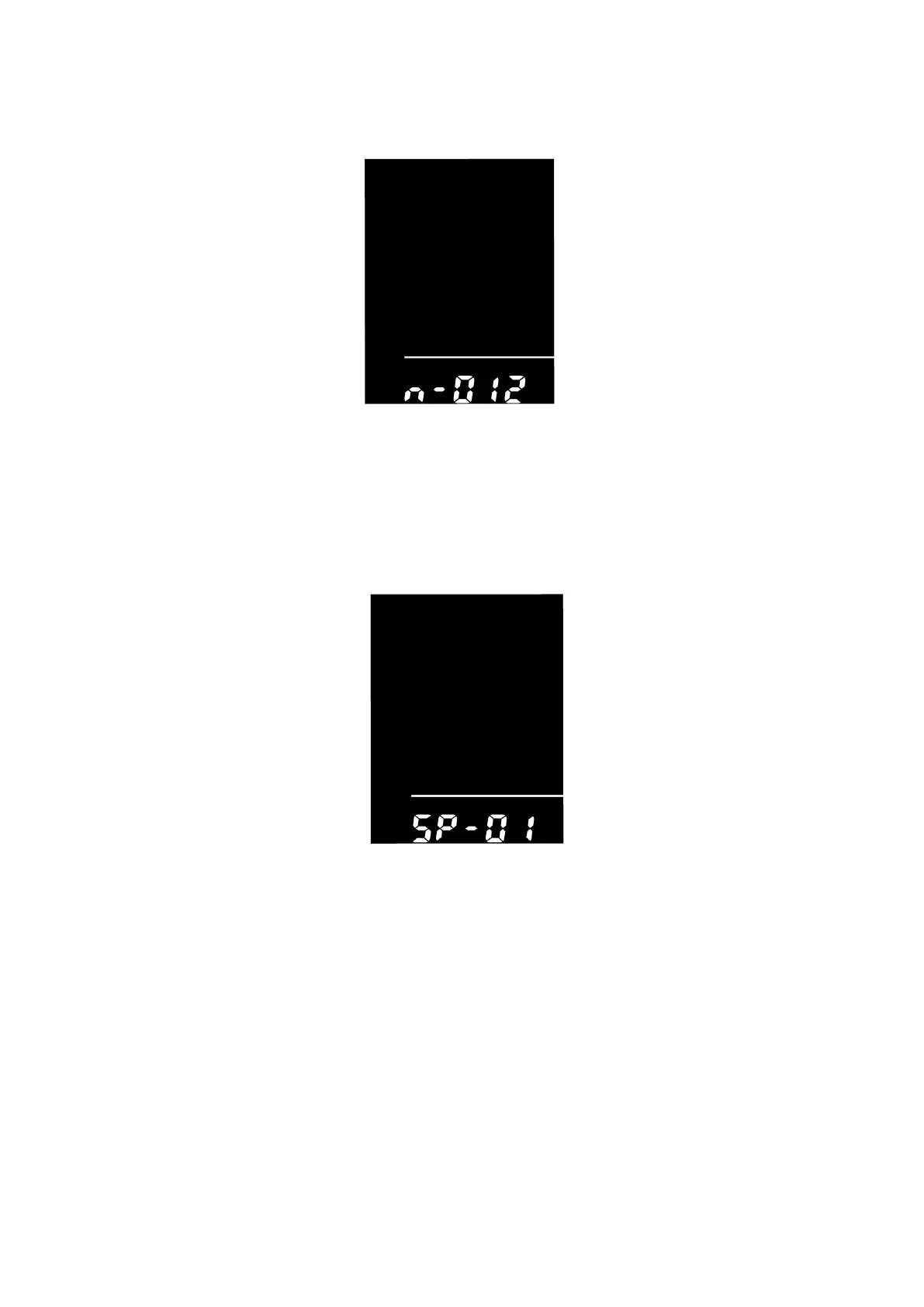
PAS Magnet Quantity Settings
n represents the quantity of magnets in PAS. The default value is 6.
To change the number of magnets in PAS, press the +/- button to choose the desired quantity
To store a changed setting, hold i button for 2s to confirm and return to previous menu.
PAS magnet quantity settings
◆Speed sensor settings
SPS represents speed sensor settings.
Press the +/- button to choose the quantity of spoke magnets (the range is from 1 to 15).The default value is 1
To store a changed setting, hold i button for 2s to confirm and return to previous menu.
Speed sensor magnet settings
◆Throttle function settings
Throttle -6km enable/disable
HL represents throttle push-assistance function settings. HL-N means throttle push-assistance function is
disabled. HL-y means throttle push-assistance function is enabled. The default value is N.
To enable throttle push-assistance function, select Y and hold i button for 2s to confirm and return to previous
menu.
To disable throttle push-assistance function, select N and access Throttle Level Enable/Disable Setting


 To Next Page