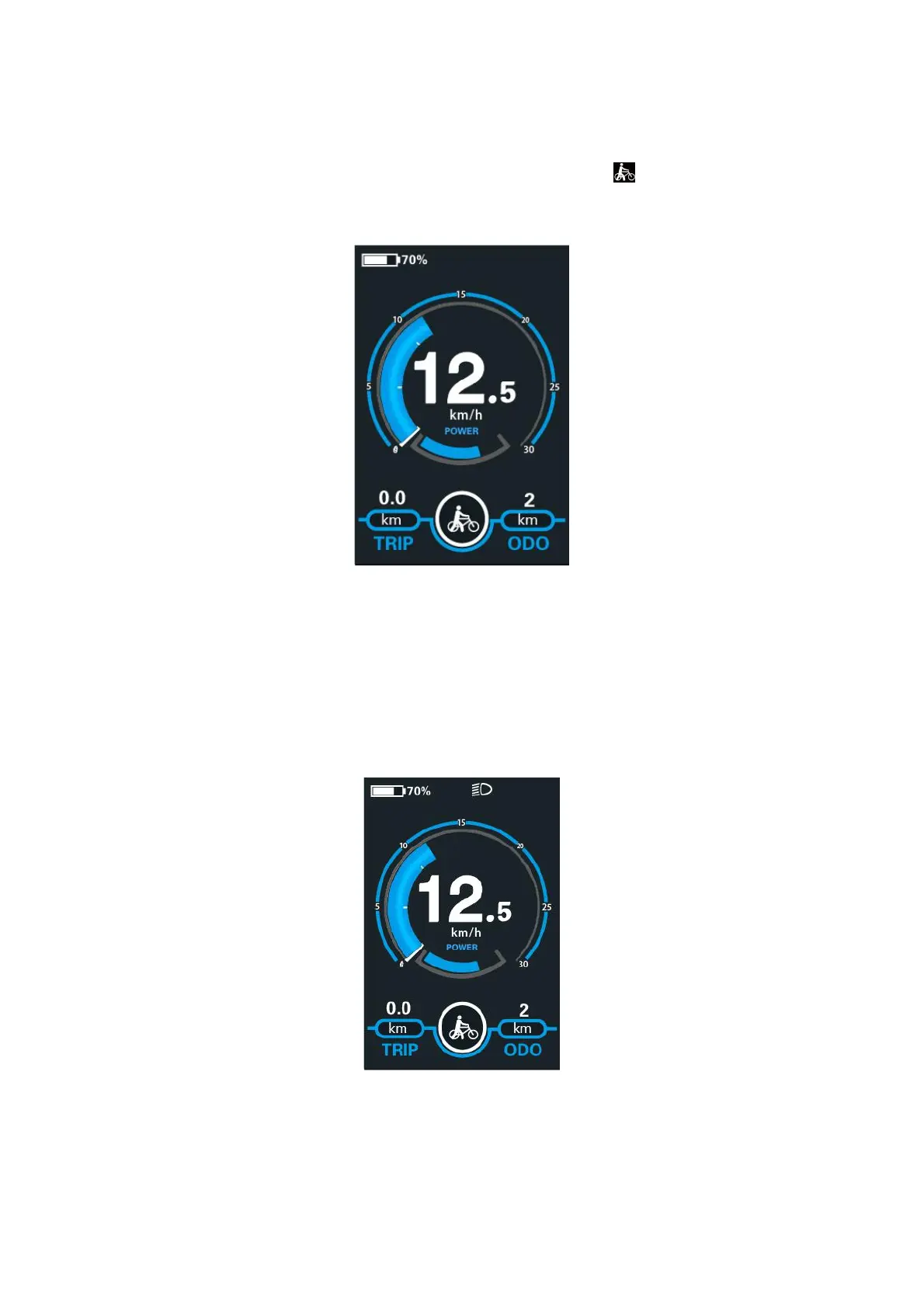
◆Switching Push-assistance Mode On/Off
To activate the push-assistance function, hold the “-” button. After 2s, The E-bike’s drive
is activated at a uniform speed of 6 Km/h while the screen displays “ ”. The push-
assistance function is switched off as soon as you release the “-” button on the operating
unit .The E-bike system stops the power output immediately.
Push-assistance Mode
■Push-assistance function may only be used when pushing the E-bike.
Be aware of danger of injury when the wheels of the E-bike do not have ground contact
while using the push-assistance function.
◆Switching the Lighting On/Off
To switch on the headlight, hold the + button. The backlight brightness is automatically
reduced. Hold the + button again, the lighting can be switched off.
Switching the Lighting Mode On/Off Interface



 To Next Page