Save the calibration data
To save calibration data, go to the ‘CAL Save’ menu to save the calibration data or enable the ‘Auto Save’ feature.
With Auto Save, calibration data will be saved when the user exits the calibration menu.
After completing the Voltage, Current and Small Current calibrations, save the calibration data before exiting the
calibration state, or simply exit the calibration state if Auto Save is on.
To save the CAL data: CAL:SAVE
To enable the CAL Auto Save: CAL:ASAVE ON
To exit CAL State: CAL:STAT OFF, 036102
Specifications and Typical Characteristics
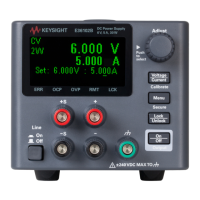
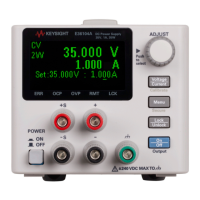
For the characteristics and specifications of the E36100B Series programmable DC power supplies, refer to the data-
sheet at http://literature.cdn.keysight.com/litweb/pdf/5992-2437EN.pdf.
92
Keysight E36100B Series Operating and Service Guide



 To Next Page