6 Keysight InfiniiVision 1200 X-Series and EDUX1052A/G Oscilloscopes User's Guide
In This Guide
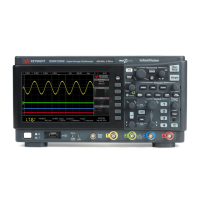
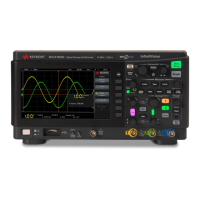
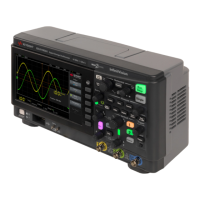
This guide shows how to use the InfiniiVision 1200 X-Series and EDUX1052A/G
oscilloscopes.
When unpacking and using the
oscilloscope for the first time, see:
• Chapter 1, “Getting Started,” starting on page 21
When displaying waveforms and
acquired data, see:
• Chapter 2, “Horizontal Controls,” starting on page 37
• Chapter 3, “Vertical Controls,” starting on page 47
• Chapter 4, “Analog Bus Display,” starting on page 55
• Chapter 5, “FFT Spectral Analysis,” starting on page 57
• Chapter 6, “Math Waveforms,” starting on page 65
• Chapter 7, “Reference Waveforms,” starting on page
77
• Chapter 8, “Serial Bus Decode/Trigger,” starting on
page 81
• Chapter 9, “Display Settings,” starting on page 83
• Chapter 10, “Labels,” starting on page 91
When setting up triggers or changing
how data is acquired, see:
• Chapter 11, “Triggers,” starting on page 97
• Chapter 12, “Trigger Mode/Coupling,” starting on
page 121
• Chapter 13, “Acquisition Control,” starting on page
129
Making measurements and analyzing
data:
• Chapter 14, “Cursors,” starting on page 145
• Chapter 15, “Measurements,” starting on page 155
• Chapter 16, “Mask Testing,” starting on page 179
• Chapter 17, “Digital Voltmeter,” starting on page 193
• Chapter 18, “Frequency Response Analysis,” starting
on page 197
When using the built-in waveform
generator, see:
• Chapter 19, “Waveform Generator,” starting on page
203
When saving, recalling, or printing,
see:
• Chapter 20, “Save/Recall (Setups, Screens, Data),”
starting on page 215
• Chapter 21, “Print (Screens),” starting on page 227



 To Next Page
