Driving your vehicle
805
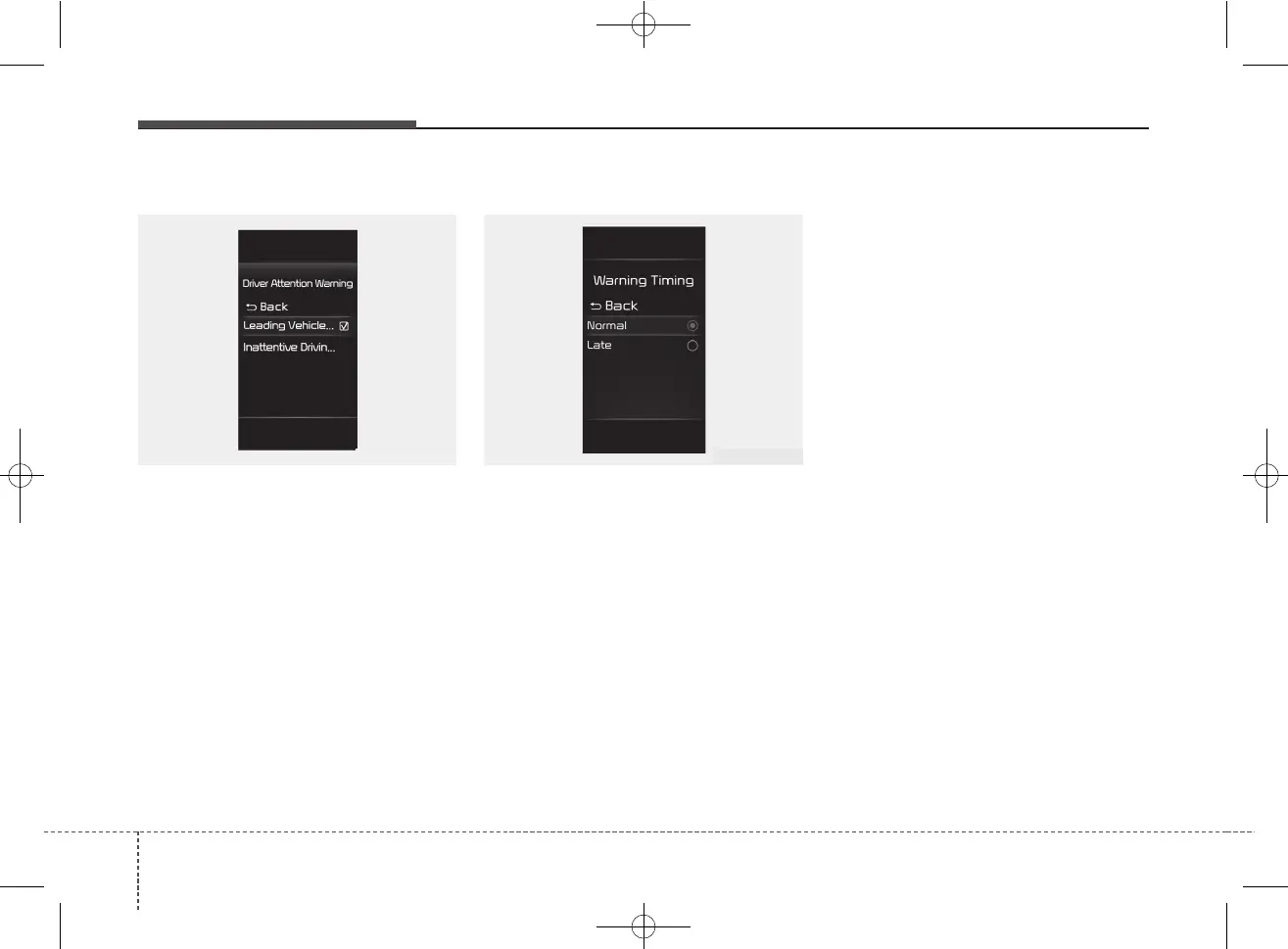
Leading Vehicle Departure Alert
If 'Leading Vehicle Departure Alert's
is selected, the function will inform
the driver when the front vehicle
departs from a stop.
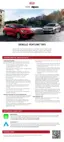
Warning Timing
The driver can select the initial warn-
ing activation time in the User
Settings in the LCD display by
selecting "User Settings → Driver
Assistance → Warning Timing".
When the vehicle is first delivered,
warning timing is set to 'Normal'. If
you change the warning timing, the
warning time of other Driver
Assistance functions may change.
Make sure to check the warning tim-
ing before changing it.
✽✽
NOTICE
If the engine is restarted, Driver
Attention Warning will maintain the
last setting.
OSC050285N OJA050141L



 To Next Page