579
Driving your vehicle
Function settings
Settings
Driver Attention Warning
• Driver Attention Warning is set to
be in the OFF position, when your
vehicle is first delivered to you from
the factory.
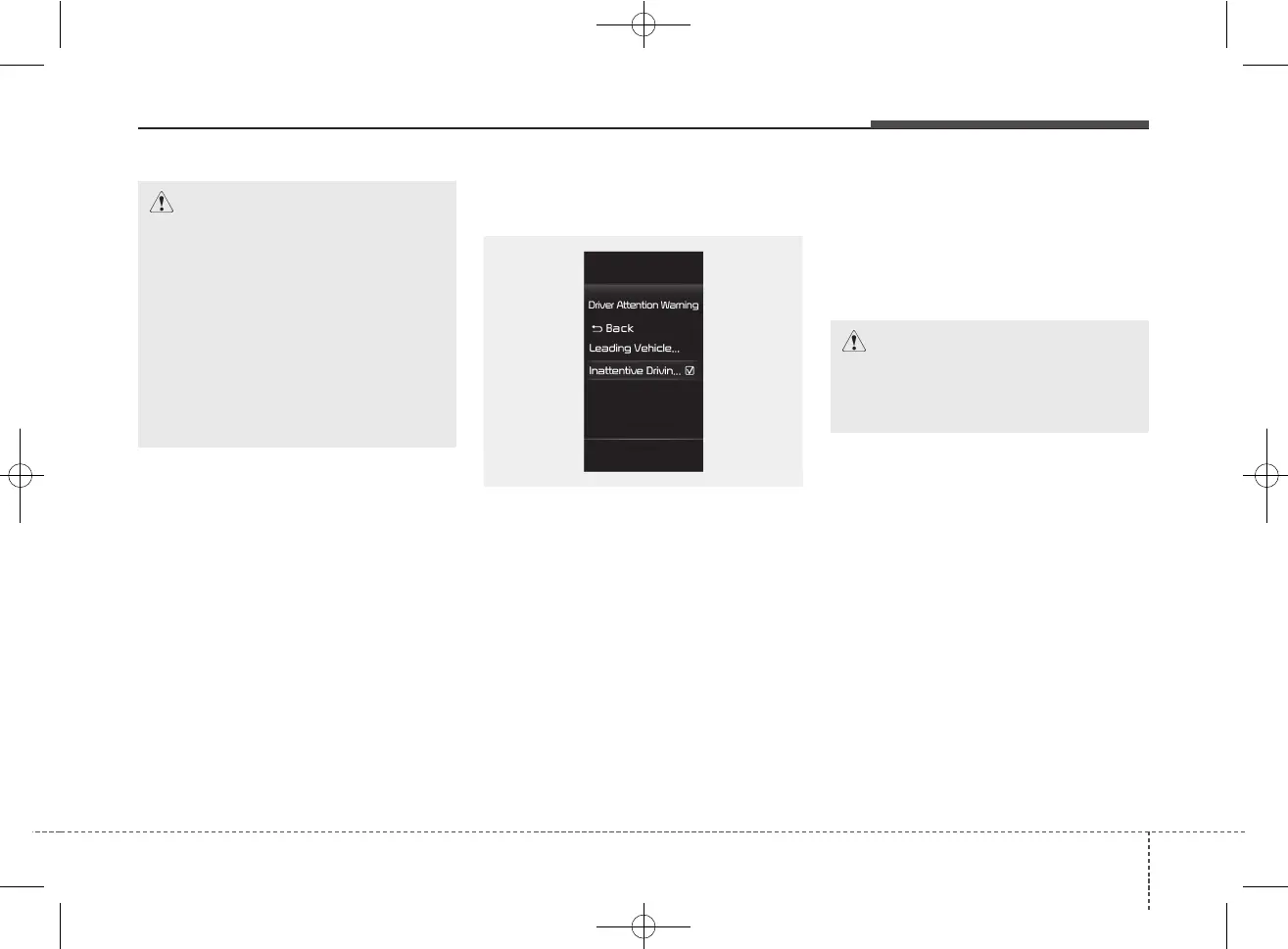
To turn ON Driver Attention
Warning, turn on the engine, and
then select "User Settings → Driver
Assistance → Driver Attention
Warning" on the LCD display.
• If 'Inattentive Driving Warning' is
selected, the function will inform
the driver the driver's attention
level and will recommend taking a
break when the level falls below a
certain level.
CAUTION
Always keep the front view cam-
era in good condition to main-
tain optimal performance of
Driver Attention Warning.
For more details on the precau-
tions of the front view camera,
refer to "Forward Collision-
Avoidance Assist (FCA) (Front
view camera only) (if equipped)"
in chapter 5.
CAUTION
When the engine is restarted,
Driver Attention Warning will
always turn on.
OSC050284N



 To Next Page