Driving your vehicle
705
Function settings
Setting
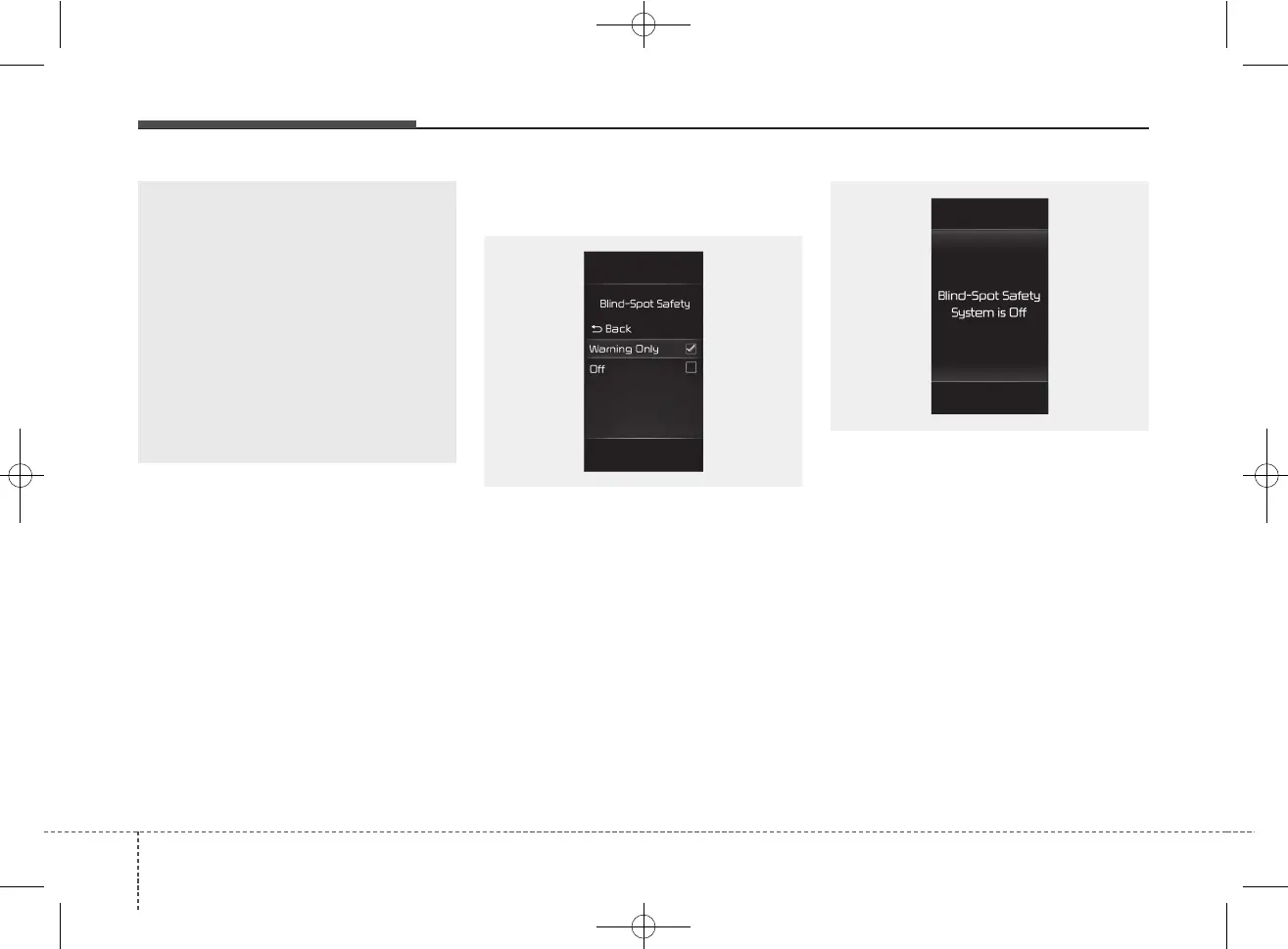
Blind-Spot Safety
With the ignition switch or ENGINE
START/STOP button in the ON posi-
tion, select or deselect "User
Settings → Driver Assistance →
Blind-Spot Safety" to set whether or
not to use each function.
• If 'Warning Only' is selected, the
function will warn the driver with a
warning message, an audible
warning depending on the collision
risk levels.
• If 'Off' is selected, the function will
turn off.
When the engine is restarted with
the function off, the 'Blind-Spot
Safety System is Off' message will
appear on the cluster.
If you change the setting from 'Off' to
'Warning Only', the warning light on
the outside rearview mirror will blink
for three seconds.
In addition, if the engine is turned on,
when the function is set to 'Warning
Only', the warning light on the out-
side rearview mirror will blink for
three seconds.
(Continued)
• The function may not work
properly if the bumper has
been replaced, or the sur-
roundings of the rear corner
radar has been damaged or
paint has been applied.
• If a trailer, carrier, etc. is
installed, it may adversely
affect the performance of the
rear corner radar or the func-
tion may not operate.
OSC050106
ODL3A050288



 To Next Page