EasyManua.ls Logo

Kikusui TOS7200 - User Manual

Kikusui TOS7200
60 pages
Print Icon
To Next Page IconTo Next Page
Loading...
DANGER
This Tester generates high voltage!
Ɣ Any incorrect handling may cause death.
Ɣ
Read Chapter 3 "Safety Precautionsduring Testing"
in this manual to prevent accident.
Ɣ
Keep this manual near the tester for easy access
of the operator.
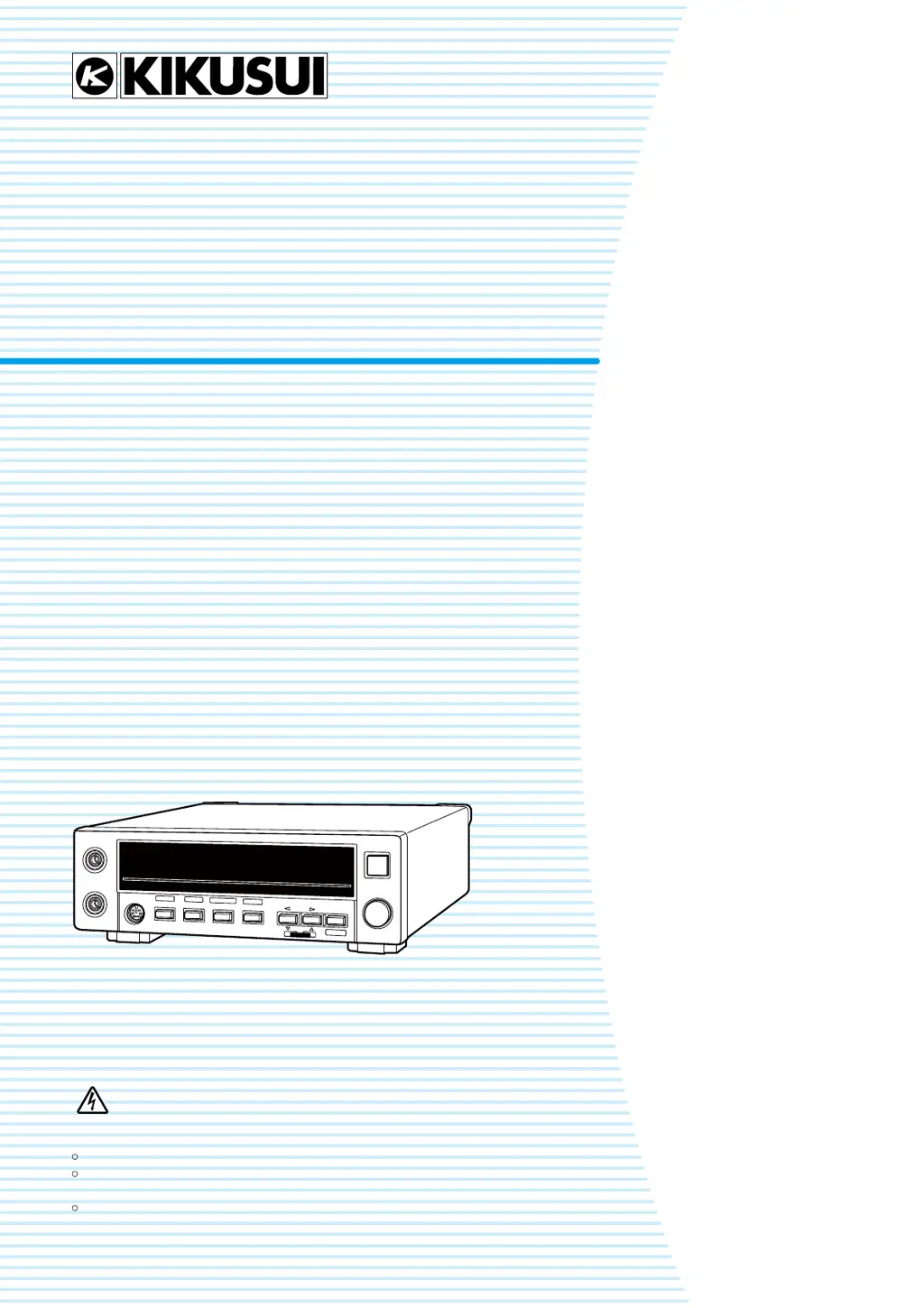
TOS7200
Users Manual
Insulation Resistance Tester
1. Preface 11
2. Preparation 14
3. Safety Precautions
during Testing 19
4. Basic Operation 23
5. Using Terminals and
Connectors 39
6. Maintenance 49
7. Specifications 51
No. IB028912
Jul. 2018

Table of Contents

Questions and Answers

  • W
    Willie SchmittAug 3, 2025
    Why are the keys on the front panel of my Kikusui TOS7200 Test Equipment not working?
    • K
      Kathryn Allen MDAug 3, 2025
      If the keys on the front panel of your Kikusui Test Equipment aren't working, first ensure that the KEYLOCK function is disabled. Also, check that the tester isn't being remotely controlled through the REMOTE terminal, SIGNAL I/O connector, or RS232C interface.
  • E
    eringarciaAug 13, 2025
    How to fix a Kikusui TOS7200 that does not start?
    • A
      Angela SmithAug 13, 2025
      If your Kikusui Test Equipment doesn't start when you press the POWER switch, the first thing you should do is check that the AC power cord is properly connected.
  • R
    Robert BrownAug 22, 2025
    What to do if START switch of Kikusui TOS7200 Test Equipment doesn't work?
    • K
      Kevin CoxAug 22, 2025
      If the START switch or START signal on your Kikusui Test Equipment's SIGNAL I/O isn't working, make sure that no STOP signal is being input through the SIGNAL I/O. Also, verify that the tester isn't in PASS or FAIL status, and that it's not currently storing or recalling panel settings. Check if the double-action function is off, the ENABLE signal of the SIGNAL I/O is at a high level, the tester isn't making system settings, and that none of the LOWER, UPPER, TIMER ON, or UPPER ON LEDs are blinking. Finally, confirm that the tester isn't being remotely controlled via the RS232C interface.

Summary

Preparation

Connecting the Power Cord

Step-by-step guide for safely connecting the power cord to the tester and outlet.

Turning ON the Power

Instructions for powering on the tester, including self-testing and initial display.

Connecting the Test leadwires

Procedures for securely connecting low and high voltage test leadwires to the tester's output terminals.

Connecting to the DUT

Guidance on connecting test leadwires to the Device Under Test (DUT), including grounded and ungrounded types.

Safety Precautions during Testing

Daily Checking

Essential checks to perform before operating the tester to prevent accidents and ensure safety.

Precautions on Testing

Safety measures for pausing tests, handling high voltages, and during remote control operations.

Warning for Residual High Voltages

Information on residual voltage hazards and safe discharge procedures after testing.

Action When in Emergency

Steps to take in case of an emergency, such as electric shock or DUT damage.

Prohibited Operations

Lists operations that should not be performed, like rapid power cycling or switching off during output.

Dangerous States of Failed Tester

Identifies hazardous conditions if the tester fails, emphasizing immediate shutdown and professional service.

Basic Operation

Maintenance

Kikusui TOS7200 Specifications

General IconGeneral
Output Frequency50 Hz / 60 Hz
Frequency Range50 Hz / 60 Hz
TypeWithstanding Voltage Tester
Leakage Current Range0.5 mA to 20 mA
Ramp Time0.1 s - 999 s
Test Time1 s to 999 s
DisplayDigital Display
InterfaceRS-232C
Dimensions320 mm (W) x 140 mm (H) x 400 mm (D)

Related product manuals