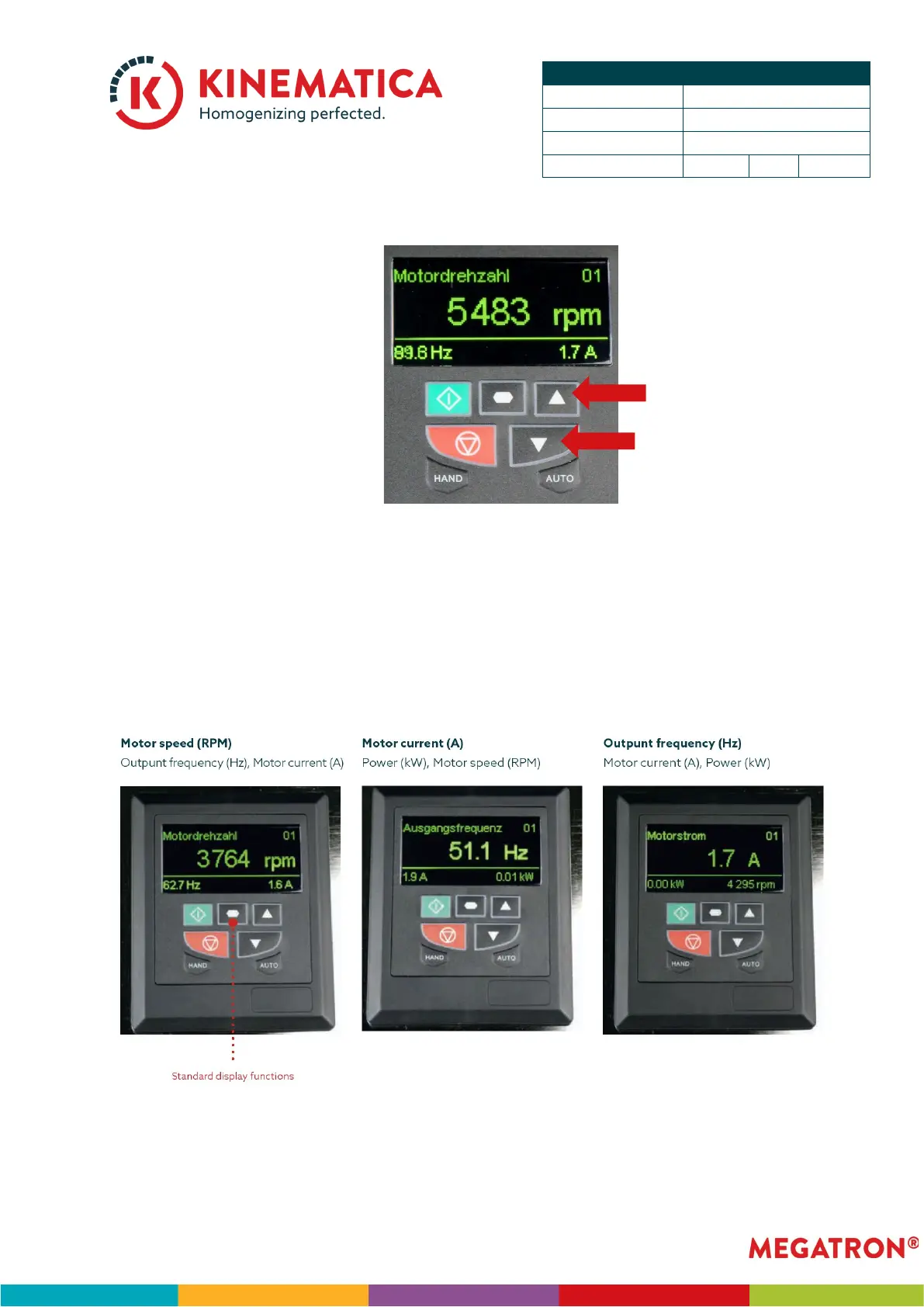
• Use the Up/Down buttons to increase or decrease the speed.
• The unit will increase/decrease the speed to the new set speed.
INFO: It is also possible to set first the desired speed level with the Up/Down but-
tons and then starting the unit with the green RUN “I” button. Before setting the
speed, press the red Stop button twice until the speed indication blinks.
NOTE: The motor speed (rpm), motor current (A) and Output frequency (Hz) can be
displayed by pushing the standard display functions’ button.


 To Next Page