13
EN
5. Trasmitter
(remote control unit)
programming
START
RADIO
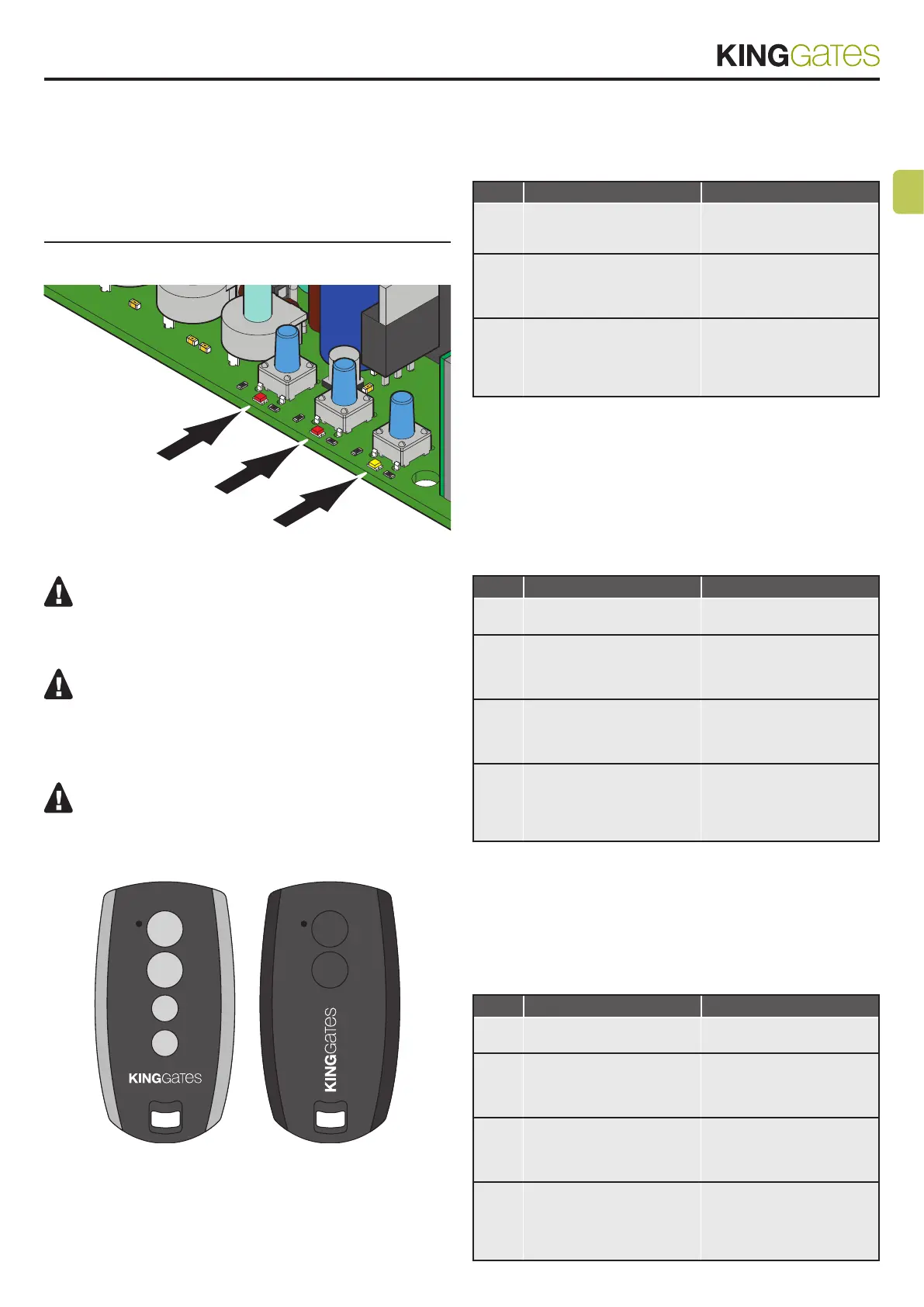
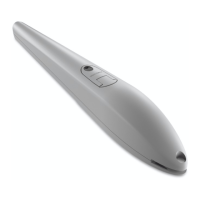
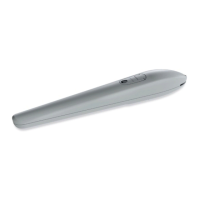
The transmitters to be programmed must be of the “Sty-
lo4K”, “Stylo2K”, DigyPad, Myo C4, NovoTX, NovoDigy series
by King Gates. See adjacent pictures.
If, at the start of the following procedures, the “set”, “ra-
dio” and “error” LEDs ash, it means that the programming
protections have been activated – see Paragraph 14.1.
Therefore, radio transmitters learning is not possible.
To interrupt the following programming procedures at
any time, press the RADIO button or wait 20 seconds.
“Stylo4K” “Stylo2K”
5.1 - Start button programming
This procedure allows for programming the button of the radio
control linked to the automation’s start function.
STEP ACTION RESULT
1
PRESS THE RADIO
BUTTON FOR 1 SECOND
The red “radio” LED turns
on in the fixed mode (if not,
consult Paragraph 14.1)
2
PRESS THE DESIRED
BUTTON ON EVERY
TRANSMITTER TO BE
PROGRAMMED
The red “radio” LED
flashes
3
PRESS THE RADIO
BUTTON UNTIL RADIO
LED TURNS OFF OR WAIT
20 SECONDS TO EXIT
THE PROCEDURE
The red “radio” LED turns
off
5.2 - Programming of the button
linked to the “Lock/AUX”
output
This procedure allows for programming the button of the radio
control linked to the “Lock/AUX” output (terminals 11-12).
To use this function, the Lock/AUX output must be set to courtesy
light – see Paragraph 13.1.
STEP ACTION RESULT
1
PRESS THE RADIO
BUTTON FOR 1 SECOND
The red “radio” LED turns
on in the fixed mode
2
PRESS THE START
BUTTON FOR 1 SECOND
The red “radio” LED
remains lit in fixed mode
and the red “error” LED
turns on in fixed mode
3
PRESS THE DESIRED
BUTTON OF ALL THE
TRANSMITTERS TO BE
PROGRAMMED
The red “radio” LED
flashes and the red “error”
LED ramins lit in fixed
mode
4
PRESS THE RADIO
BUTTON UNTIL RADIO
LED TURNS OFF OR WAIT
20 SECONDS TO EXIT
THE PROCEDURE
The red “radio” LED and
the red “error” LED turn off
5.3 -
Programming of the button linked
to the on-board courtesy light
This procedure allows for programming the button of the radio
control linked to the on-board led courtesy light.
To use this function, the Lock/AUX output must be set to courtesy
light – see Paragraph 13.1.
STEP ACTION RESULT
1
PRESS THE RADIO
BUTTON FOR 1 SECOND
The red “radio” LED turns
on in the fixed mode
2
PRESS THE SET BUTTON
FOR 1 SECOND
The red “radio” LED
remains lit in fixed mode
and the yellow “set” LED
turns on in fixed mode
3
PRESS THE DESIRED
BUTTON OF ALL THE
TRANSMITTERS TO BE
PROGRAMMED
The red “radio” LED
flashes and the yellow
“set” LED ramins lit in fixed
mode
4
PRESS THE RADIO
BUTTON UNTIL RADIO
LED TURNS OFF OR WAIT
20 SECONDS TO EXIT
THE PROCEDURE
The red “radio” LED and
the yellow “set” LED turn
off
33



 To Next Page