14
EN
5.4 - Deleting all memorised
transmitter
This operation deletes all memorized transmitters from the memory.
STEP ACTION RESULT
1
PRESS THE RADIO
BUTTON FOR 4
SECONDS AND RELEASE
WHEN RADIO LED
FLASHES
The red “radio” LED ashes
(if not, consult Paragraph
14.1)
2
PRESS THE RADIO
BUTTON AGAIN
FOR 1 SECOND
The red “radio” LED
remains xed and the red
“error” LED ashes fast
3
MEMORY DELETION
COMPLETED
The red “radio” LED turns
off
5.5 - Deleting a single transmitter
This operation deletes a single transmitter from the memory.
STEP ACTION RESULT
1
PRESS THE RADIO
BUTTON FOR 4
SECONDS AND R ELEASE
WHEN RADIO LED
FLASHES
The red “radio” LED
flashes (if not, consult
Paragraph 14.1)
2
PRESS THE SET BUTTON
FOR 1 SECOND
The red “radio” LED
flashes and the yellow
“set” LED turns on in fixed
mode
3
PRESS A BUTTON ON
THE TRANSMITTER YOU
WISH TO CANCEL
The red “radio” LED
flashes and the yellow
“set” LED flashes
4
3. PRESS THE RADIO
BUTTON UNTIL RADIO
LED TURNS OFF OR WAIT
20 SECONDS TO EXIT
THE PROCEDURE
The red “radio” LED and
the yellow“set” LED turn
off
5.6 - Remote (tools free) transmitter
programming
This procedure enables you to program a new transmitter (“Stylo2K”
or “Stylo4K”) without accessing the control unit, but keeping close
to it.
To run the procedure you will require a previously programmed
transmitter, to inherite its functions.
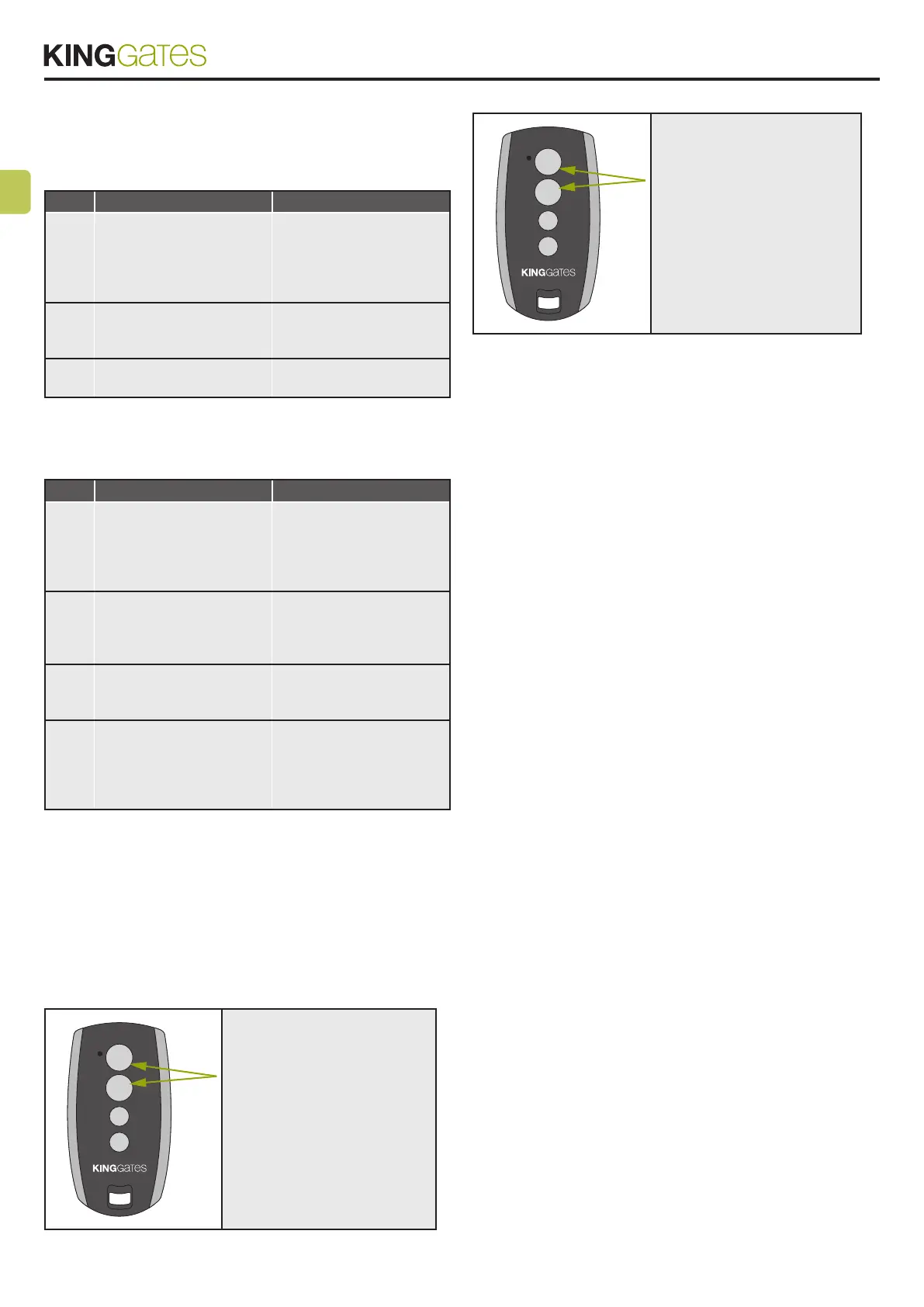
ON A PREVIOUSLY
PROGRAMMED
TRANSMITTER, HOLD
DOWN BUTTONS 1 AND 2
TOGETHER FOR 4 SECONDS
ON THE TRANSMITTER
YOU WANT TO PROGRAM,
HOLD DOWN BUTTONS 1
AND 2 TOGETHER FOR
4 SECONDS



 To Next Page