8
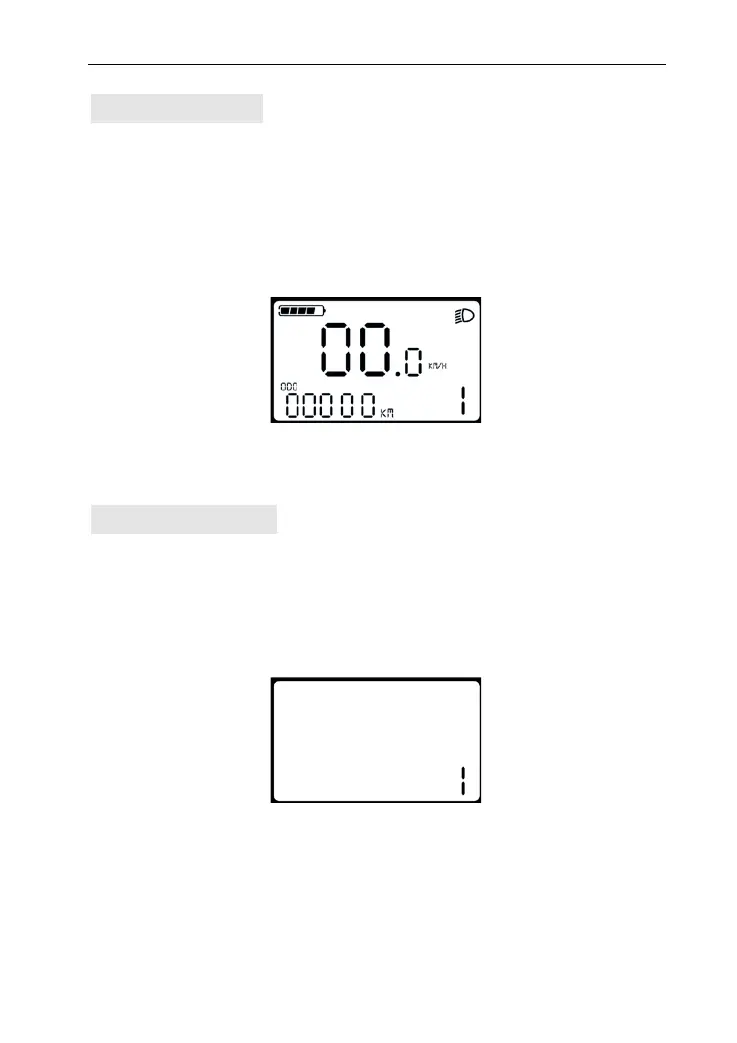
Turn on Backlight
Press and hold UP for 2 seconds to turn on the backlight of display,
the e-bike headlight will be powered on at the same time. To turn
on LCD backlight when lack of light or riding in night. Hold UP for 2
seconds again, LCD backlight turns off.
Backlight and headlight interface
PAS level Selection
Press UP or DOWN to change the output power of the motor. The
power ranges from level 1 to level 5. Level 1 is the minimum
power. Level 5 is the maximum power. The default value is level 1.
PAS level interface


 To Next Page
 Loading...