12
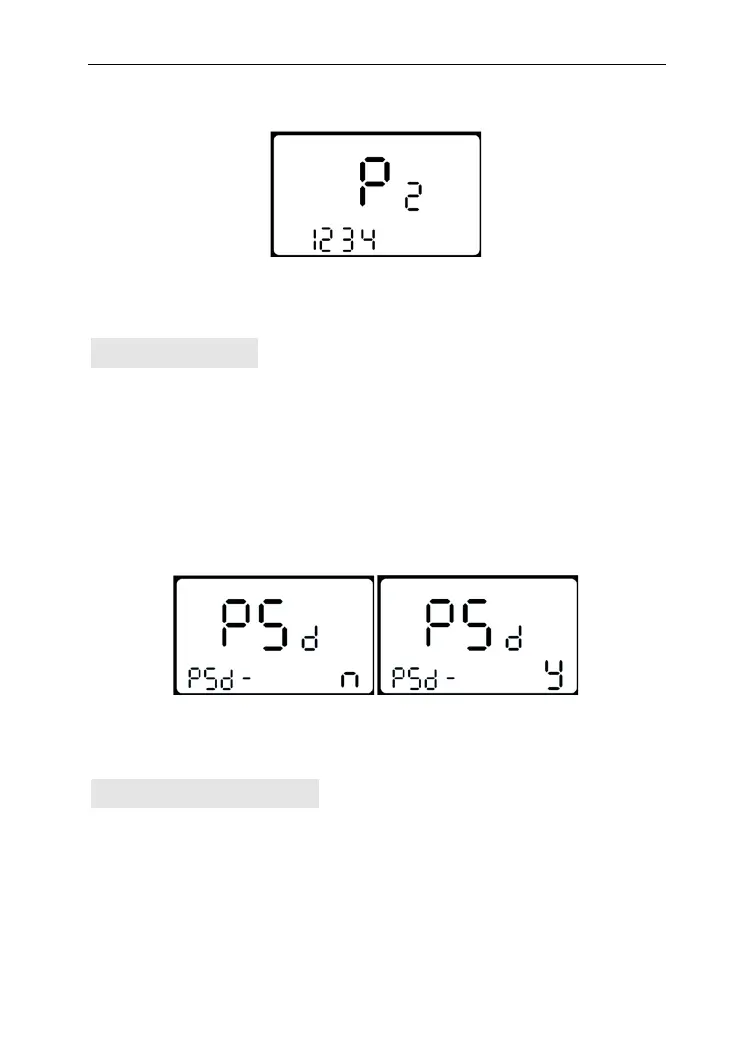
interface. The factory default password is : 1234.
Power-on password interface
Password Enable
Press UP/DOWN to select Y or N, and press MODE to confirm and
enter Password modify interface.
y = Power-on Password Enable
n = Power-on Password Disable
Password enable interface
Password Modification
PS means password. UP and DOWN is to change the number, and
MODE is to select digit one by one, finally to hold MODE to
confirm the modification and exit the setting state.



 To Next Page