24
Walk Assist Speed Setting
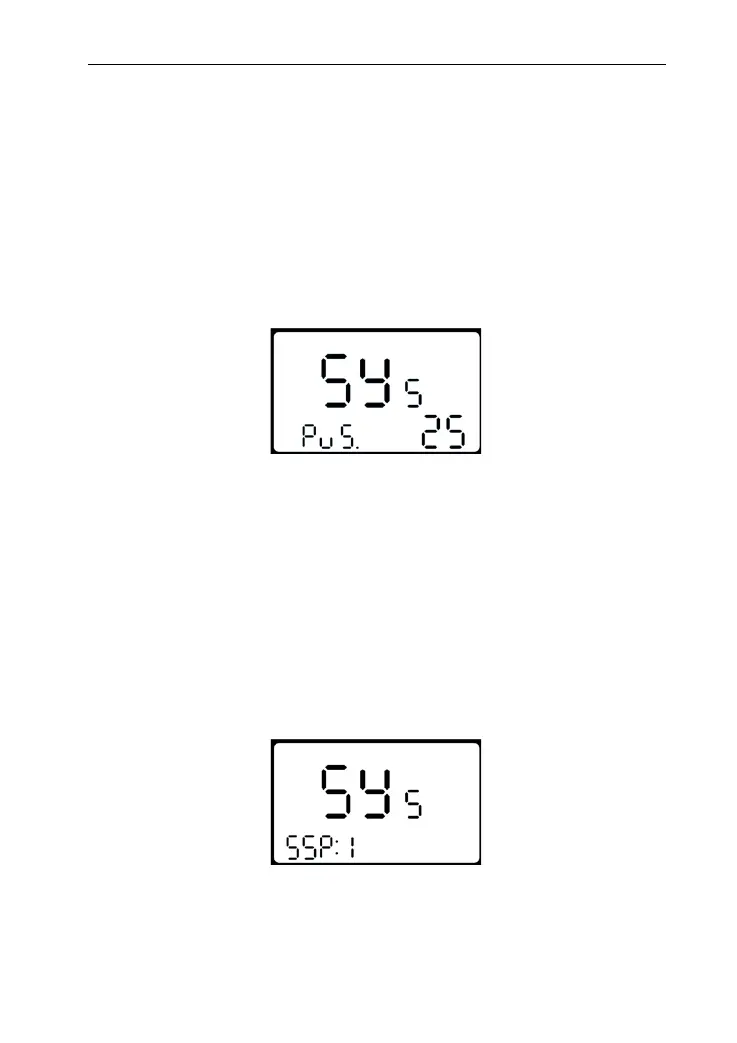
PU means Push (walk assist speed setting). Set the value to
adjust walk assist speed to meet
rider’s requirements. The
scope is “20-35” by pressing UP/DOWN, shortly press MODE to
confirm and enter into Slowly start up setting. Default value is
25(i.e. the output is 25%).
Interface of walk assist speed setting
Slowly Start up Setting
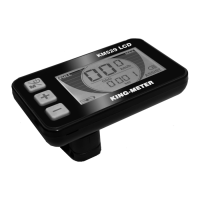
SSP means slowly start up. The scope is 1-4, 4 means the
slowest. Press UP/DOWN to choose. Hold MODE to confirm and
turn back to personalized parameter setting interface. The
default value is 1.
Interface of slowly start up setting


 To Next Page