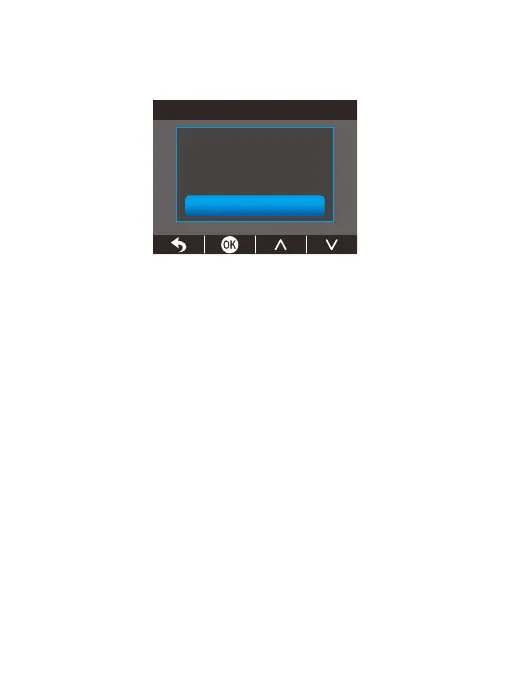
All data will be deleted
Cancel
OK
③
On this screen, press the OK button to enter the formatting screen, press the
Down button to “OK”, and then press the OK button to complete formatting.
The system will then exit the menu automatically.
Kind reminder:
All data will be deleted after formatting. Be sure to back up your important
files before formatting. To ensure the memory card’s optimal performance, we
recommend formatting it every two months. Keep in mind that memory cards
have a limited lifespan, and frequent reading, writing, and erasing can shorten
their lifespan. If you’re prompted about frequent card errors or glitches, please
replace it with a new one.
(3) Remove the memory card
If you want to remove the memory card, gently push its edge inward until it clicks,
and then pops out, then simply pull it out of the slot.



 To Next Page