will then respond to the given voice commands, executing various functions. With
this intelligent feature, you can focus on driving and mind road conditions ahead,
thus ensuring better safety. What’s more, this feature allows you to do simple
tasks without lifting a single finger, such as recording video, shooting, changing the
camera’s settings, and more. You can get more convenient user experience by
using this feature.
(16) Voice Commands
You can utter any of the supported voice commands to control your dash cam.
For more details about these voice commands, please consult the sheet below.
Take photo
Turn on screen
Show rear camera
Turn on audio
Turn off screen
Show both cameras
Turn on audio
Show front camera
Lock the video
(17) Format SD: Yes/No
This option allows you to format the memory card. For more details about formatting
the memory card, please consult the section Getting Started→Memory card use.
(18) GPS: On (default)/Off
You can turn GPS on or off on the setup screen. When GPS is disabled, the GPS
icon will not show on the camera screen.
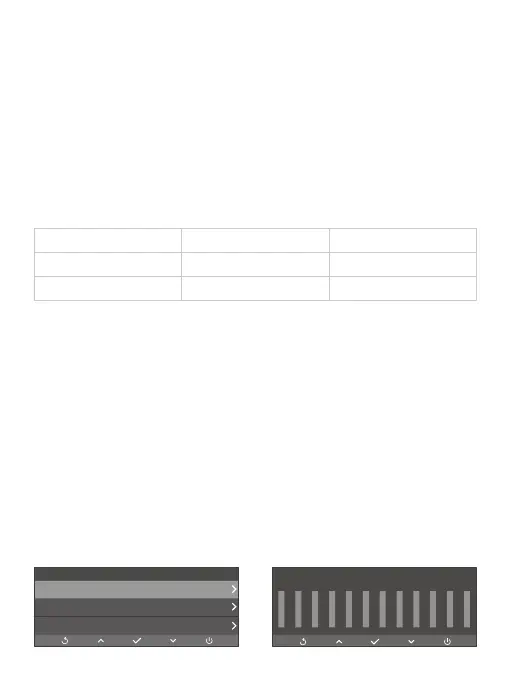
(19) GPS Info
To check if the GPS is working well, you can refer to the GPS information displayed
on the screen below. The signals your dash cam is receiving is indicated by the
number of the bars, with larger numbers indicating a stronger signal.
Settings
GPS Info
Reset System
About
Number:
Longitude:
00
00
Speed:
Latitude:
00mph
00
00 00 00 00 00 00 00 00 00 00 00 00
0 0 0 0 0 0 0 0 0 0 0 0



 To Next Page