KIRLOSKAR CHILLERS PRIVATE LIMITED
A Kirloskar Group Company IOM-KAC-ENG - Page 51
with the cursor flashing in the top left corner: To change the address of the terminal (display
address setting), press the button once: the cursor will move to the address field (nn). Use the
buttons to select the desired value, and confirm by pressing again. If the value
selected is not the same as the one saved previously, the screen shown in Fig. below
will be displayed, and the new value will be saved to the permanent memory. Protocol (not
pLAN) and the field “I/O Board address:xx” will not be displayed, as it has no meaning.
d) Fault signals: - If the terminal detects the off-line status of the pCO board it is associated with,
the display shows the message: I/O Board xx fault. On the other hand, if the terminal receives no
signal from the network, the display shows the following message: NO LINK.
6.5.1. Keys and display functions:
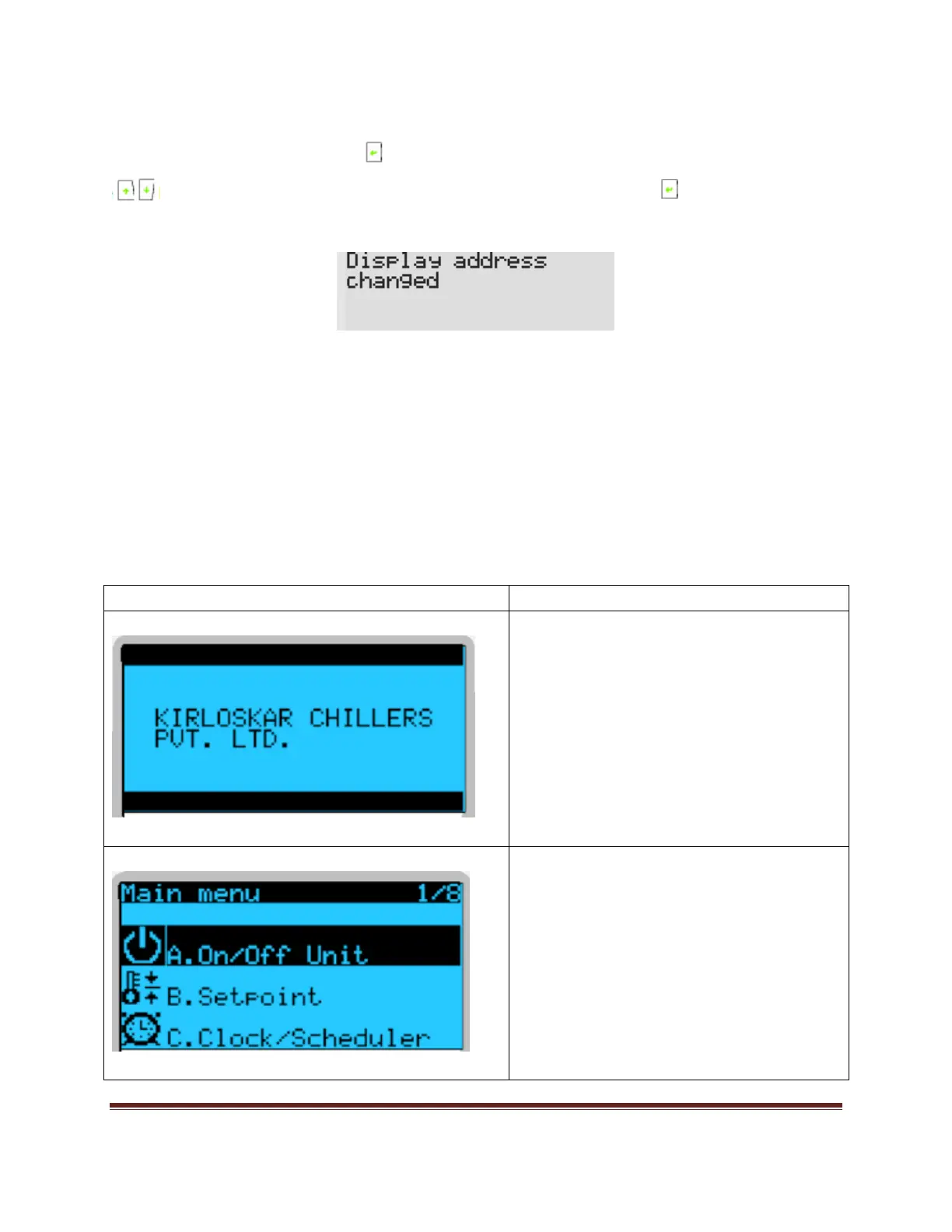
Descriptions for the display
This is the main screen displayed on
display when we power on the machine.
This is main menu from where you need to
navigate.


 To Next Page