7
Minnesota | Poll Pad Guide
OPENING PROCEDURES | POLL PAD SETUP
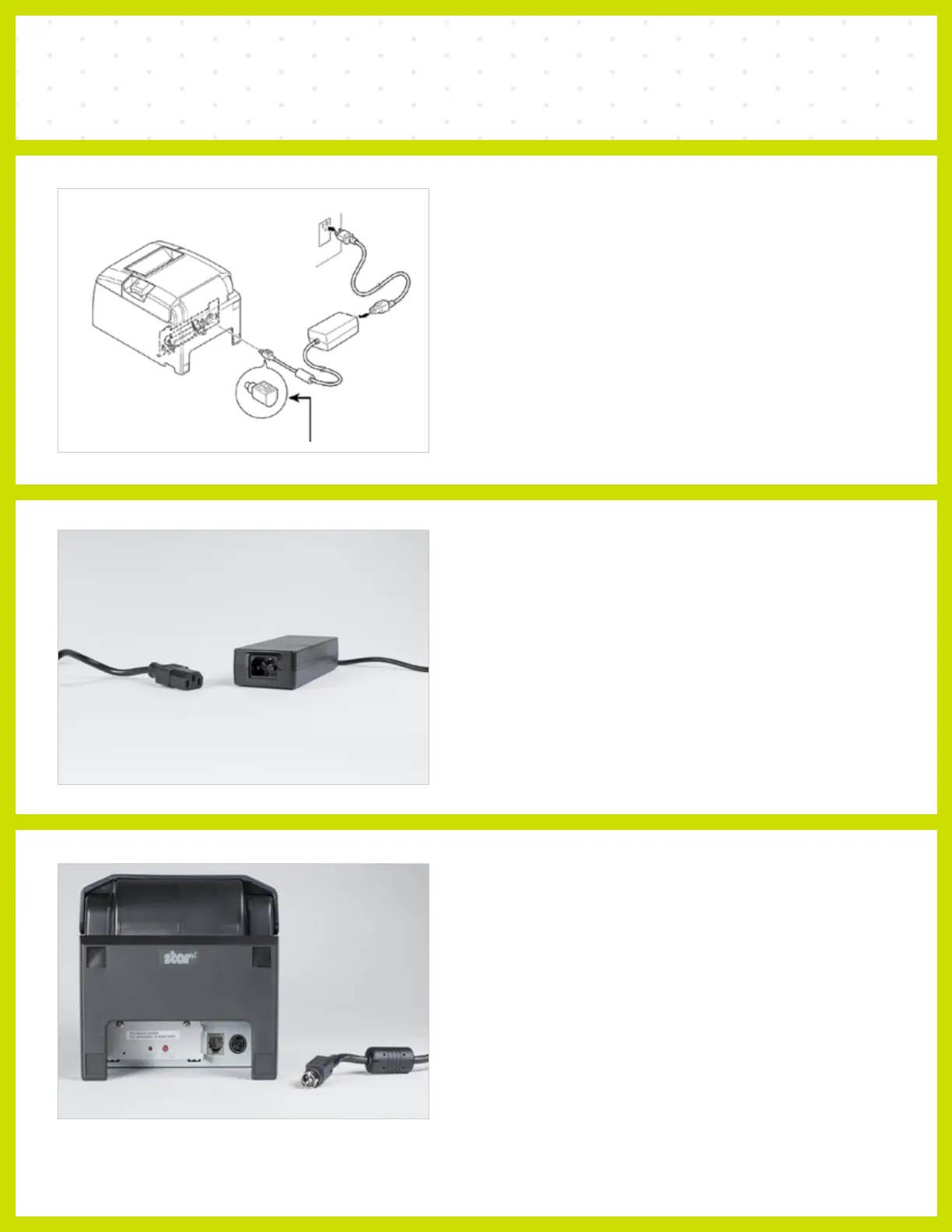
❶ LOCATE PRINTER
Open the transport case and remove printer,
adapter and power cord.
❷ CONNECT TO POWER
ADAPTER
Connect the power cord to the power adapter.
NOTE: Ensure secure connection
❸ CONNECT TO PRINTER
Plug the connector into the back of the printer.
NOTE: Ensure secure connection



 To Next Page