Calibrating the Printer
3-5
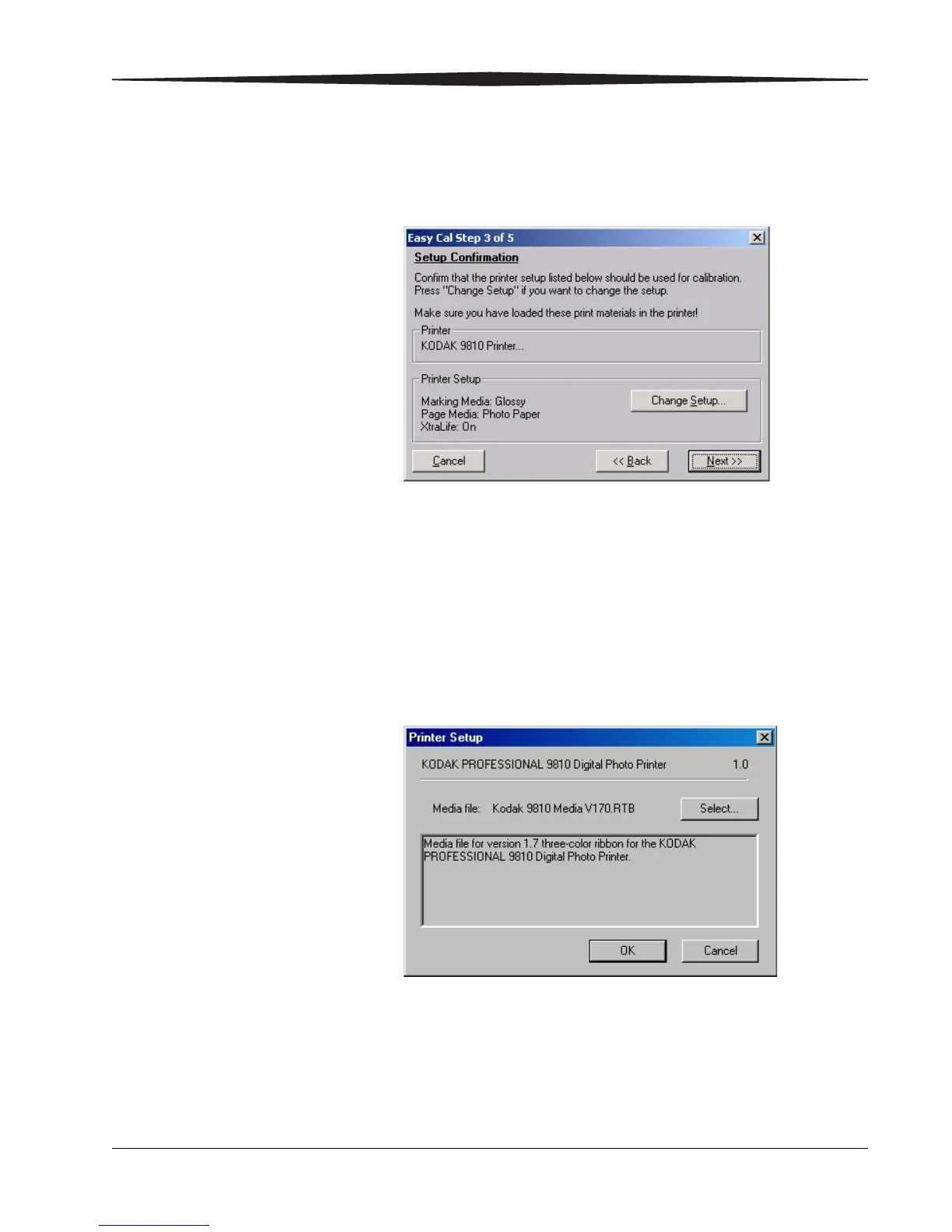
13. Click Next.
The following dialog box appears.
14. Confirm that the printer setup listed is the printer setup you want to use
for calibration.
• If the printer setup listed is the correct printer setup for your printer,
go to Step 19.
• If you want a different printer setup than what is listed, continue with
Step 15.
15. Click Change Setup.
The following dialog box appears.





 To Next Page