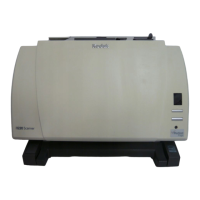
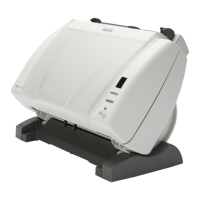
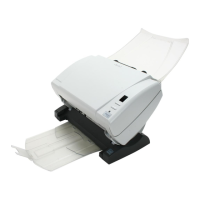
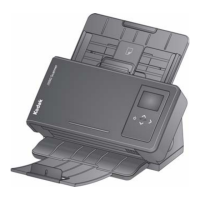
A-61550 February 2010 1-5
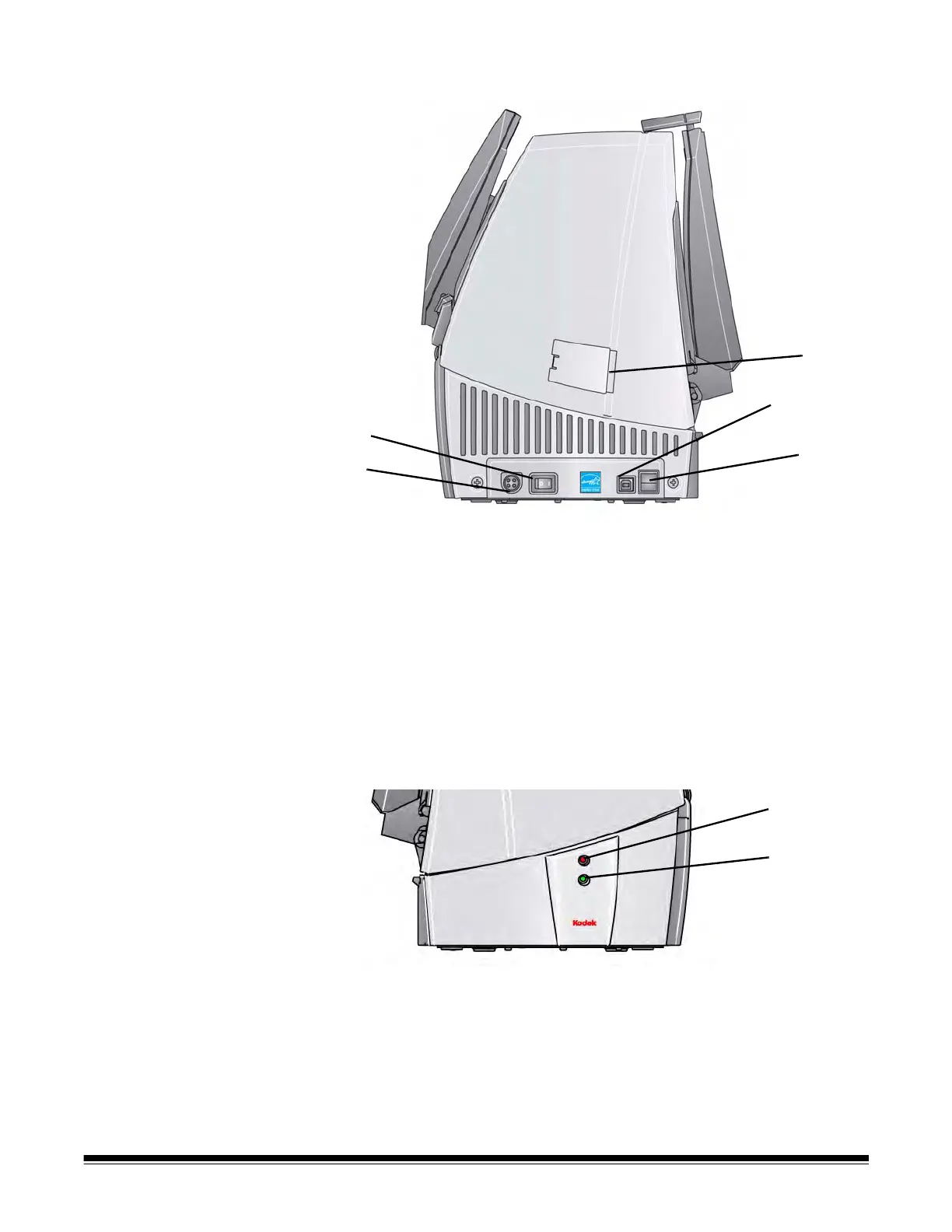
Side views
1 Power button — turns the power to the scanner on (|) and off (O).
2 Power port — connects the power cord to the scanner.
3 Side access door — provides access to the upper imaging guide
for replacement. The Kodak i1410 Scanner does not have a side
access door.
4 USB port — connects the scanner to the PC.
5 Flatbed/USB port — connects the optional A4 or A3 Flatbed to the
scanner.
NOTE: The Flatbed/USB port is not available on the i1405 Scanner
.
6 Top LED — flashes red when an error is encountered.
7 Bottom LED — steady green when the scanner is ready to scan;
flashes green when the scanner is preparing to scan.
1
2
3
4
5
6
7



 To Next Page