Chapter 5 CVS-833/833C
Basic Operation
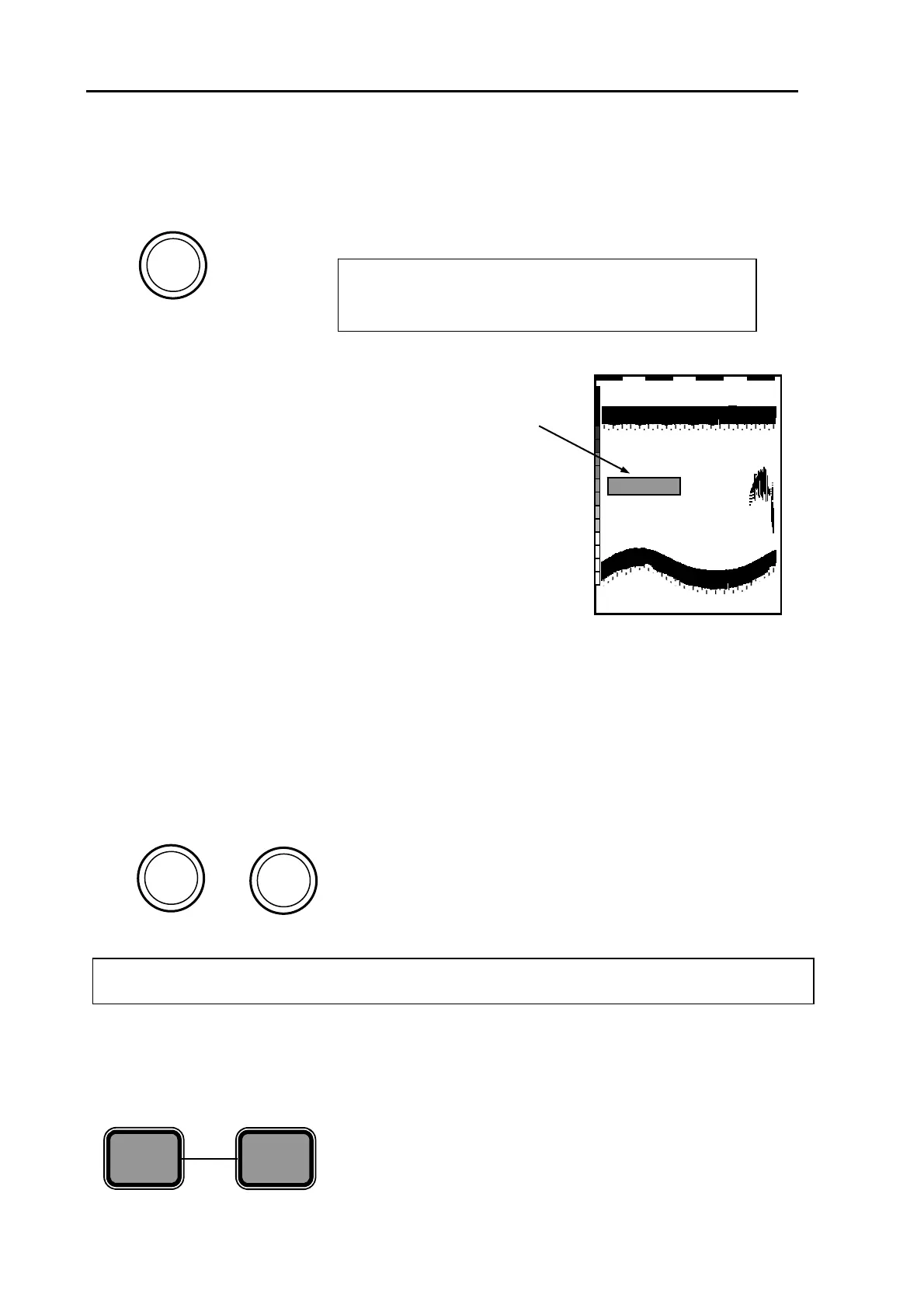
Depth range setting (Range) control
Selects the depth range in 8 steps. Each depth scale number
has its own depth range registered.
1
2
3
6
7
4
RANGE
5
8
NOTE: To change the depth range scale, select the sub
menu “2 DEPTH RANGE PRESET” in the initial menu
and register the depth and unit.
Default depth ranges are as follows:
CVS-833 CVS-833C
XXXX
Selected depth range
Depth range 1: 10 ft 10 ft
Depth range 2: 20 ft 20 ft
Depth range 3: 40 ft 40 ft
Depth range 4: 60 ft 100 ft
Depth range 5: 100 ft 200 ft
Depth range 6: 200 ft 600 ft
Depth range 7: 400 ft 1000 ft
Depth range 8: 600 ft 2000 ft
Setting auto range
Always displays the entire sounder image from the sea surface to the bottom. To select this mode:
(1) Select Auto Range in Menu 6.
(2) Press the AUTO key repeatedly until AUTO appears.
Gain controls
0
2
3
6
7
4
GAIN
LF
5
8
1
9
10
2
10
9
8
7
1
0
GAIN (HF)
5
6
3
4
GAIN (HF):
Controls the high frequency receiver gain.
GAIN (LF):
Controls the low frequency receiver gain.
NOTE: To use the gain control, set Auto Gain to OFF.
SHIFT keys
Each press of both the + and – keys toggles the image
shift ON and OFF. Pressing the + or – key sets the shift
position. Refer to Para 5.5 “Image shift ON/OFF and shift
position selection” for detail.
__
SHIFT
ON/OFF
+
5-4 0093132902-03



 To Next Page