CVS-833/833C Chapter 6
Using the Menu
6.11.8 OTHER SETTING 2
This setting includes the following set up items.
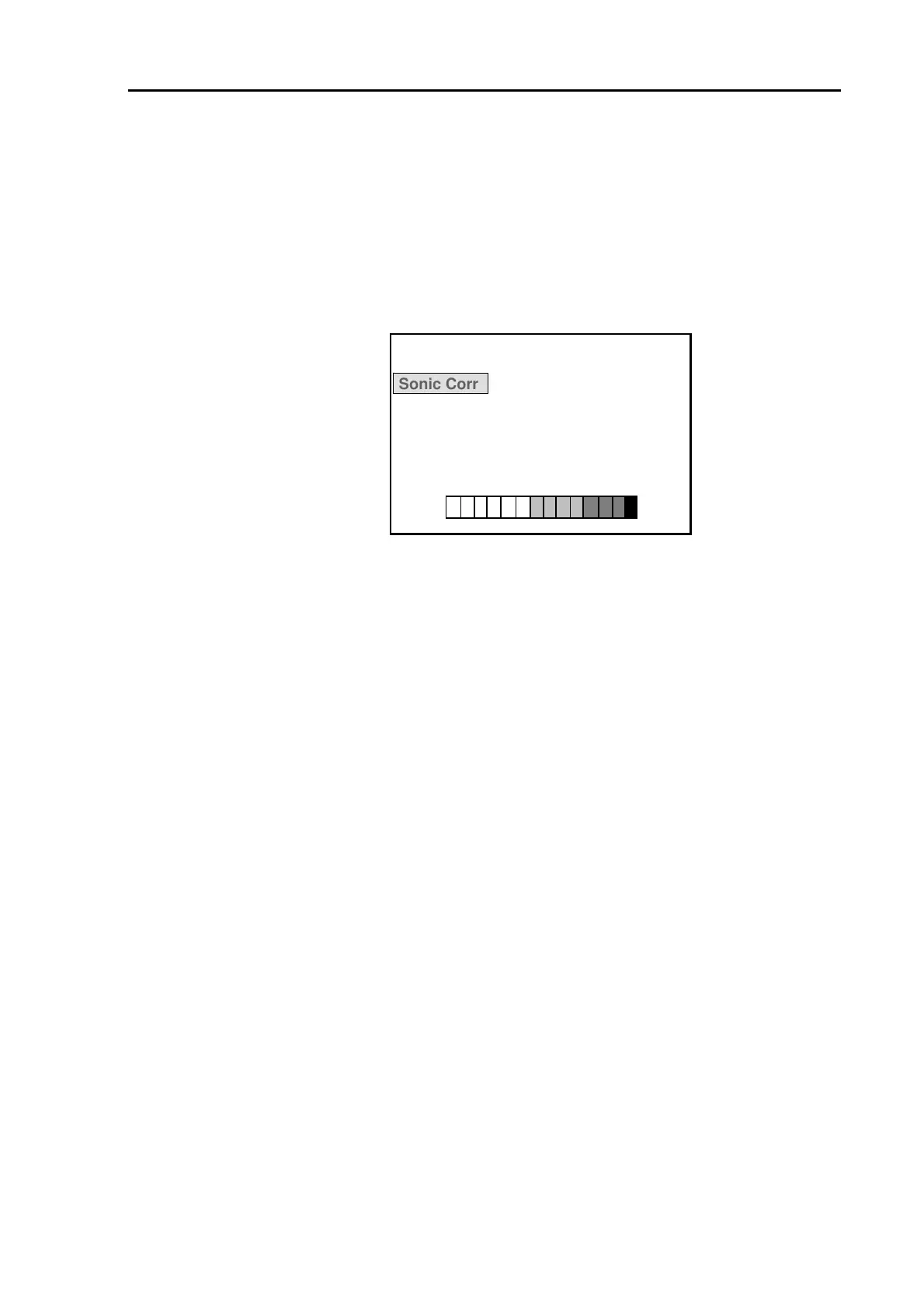
6.11.8.1 Sonic Corr (Correcting depth indication)
Corrects a depth indicator value to a known true value. A depth indication may deviate from a true value
because of the water temperature difference or salt concentration in the water. This setting
compensates such deviation.
Initial setting: 0 %
8 OTHER SETTING 2
Sonic Corr
0%
Color Char.
1 2 3
Color Tone
1 2 3 4 5
Setting range: -7 % to +2 %
Figure 6.30 OTHER SETTING 2 menu display
6.11.8.2 Color Char (Selecting color gradation law)
Selects the characteristics of the display color gradation. The following three sets of color gradation are
available.
1: The entire color gradation is evenly divided.
2: Color gradation of stronger echo group is finely divided.
3: Color gradation of weaker echo group is finely divided.
Initial setting: 1
Selecting range: 1, 2, 3 (3 steps)
6.11.8.3 Color Tone (Selecting color tone law)
Selects the number of image colors and the background color on the screen. The following five sets of
color tones are available.
1: 16 colors (KODEN standard color)
2: 16 colors (Color varies from blue to white to red)
3: 16 colors (Color varies from light green to white to red)
4: 8 colors (KODEN standard color)
5: Monochrome display with 16 shades of gray.
Initial setting: 1
Selecting range: 1,2,3,4,5 (5 steps)
93132902-00 6-21



 To Next Page