CVS-833/833C Chapter 6
Using the Menu
Chapter 6 Using the Menu
6.1 Available menus
The Main Menu and Initial Menu are provided in the CVS-833/833C series of sounders. The Main
Menu contains frequently used settings such as changing display mode, image processing method, etc.
The Initial Menu is used to set up technical items in such a case when the equipment is installed or
relocated.
6.1.1 Opening Main Menu .
MENU
Press the MENU key to display Main Menu.
6.1.2 Opening Initial Menu
MENU
Press and hold the MENU key and turn the power switch on.
NOTE: To open Initial Menu, turn the equipment off and then turn on
again.
6.2 How to use the Menu
6.2.1 Selecting the Main Menu item
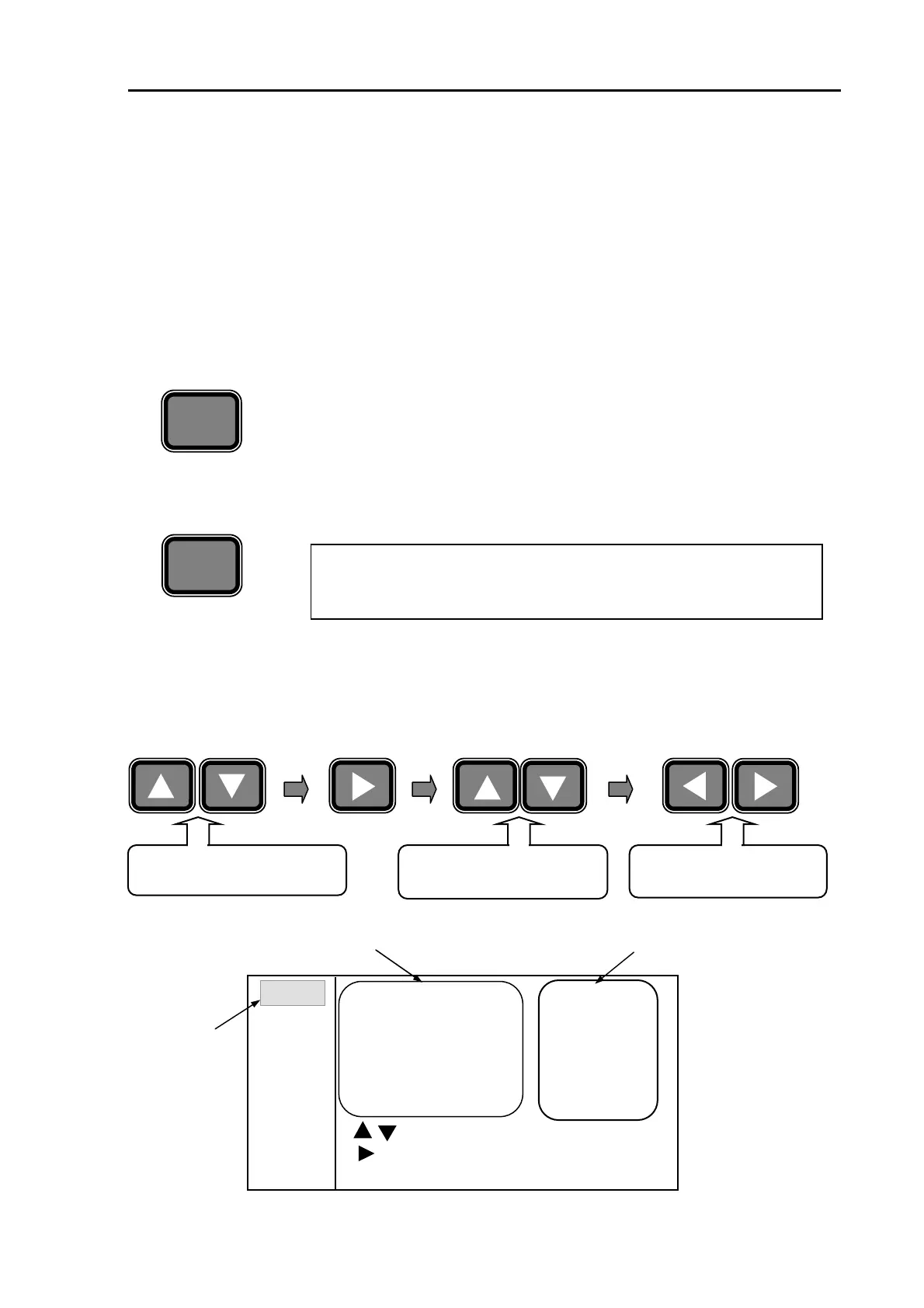
The following common key sequence can be used for all menu selections.
Press the UP or DOWN arrow
ke
to select a Main Menu.
Press the UP or DOWN arrow
ke
to select a Sub Menu.
Press the or key to select
a sub menu parameter.
Selectable sub menu parameters
Selected Main
Menu
Figure 6.1 Main Menu display
: Mod
MENU : Exit
:Menu No. Select
MENU 1
MENU 2
MENU 3
MENU 4
MENU 5
MENU 6
2.5
0
OFF 1 2
0
1 2 3 4
Zoom Range
Zoom Start
Intrf Rejection
Noise Rejection
Background Color
Return
Selectable sub menu items
93132902-00 6-1



 To Next Page