CVS-833/833C Chapter 6
Using the Menu
6.9 MENU 6
Auto Sel
OFF RANGE SHIFT
Gain Sel MANU AUTO
Auto Gain Adj (H) 0
Auto Gain Adj (L) 0
Return
MENU : Exit
Figure 6.13 Menu 6 display
: MENU No. Select
: Mod
MENU 1
MENU 2
MENU 3
MENU 4
MENU 5
MENU 6
MENU 7
MENU 6 is used for the following settings.
1. Switching to Auto Range (RANGE) or
Auto Shift (SHIFT).
2. Turning on or off Auto Gain function.
3. Setting the bottom color in auto mode for
High frequency.
4. Setting the bottom color in auto mode for
Low frequency.
6.9.1 Auto Sel (Switching to Auto Range or Auto Shift)
This sub menu allows you to select auto range, auto shift or auto off mode.
Initial setting: OFF
Available settings: OFF, RANGE and SHIFT
6.9.2 Gain Sel (Turning on or off the Auto Gain function)
This sub menu selects the Auto Gain function on or off. By selecting AUTO GAIN, receiver gain is
automatically controlled according to the sea bottom depth.
Initial setting: MANU
Available setting: MANU (Manual) or AUTO
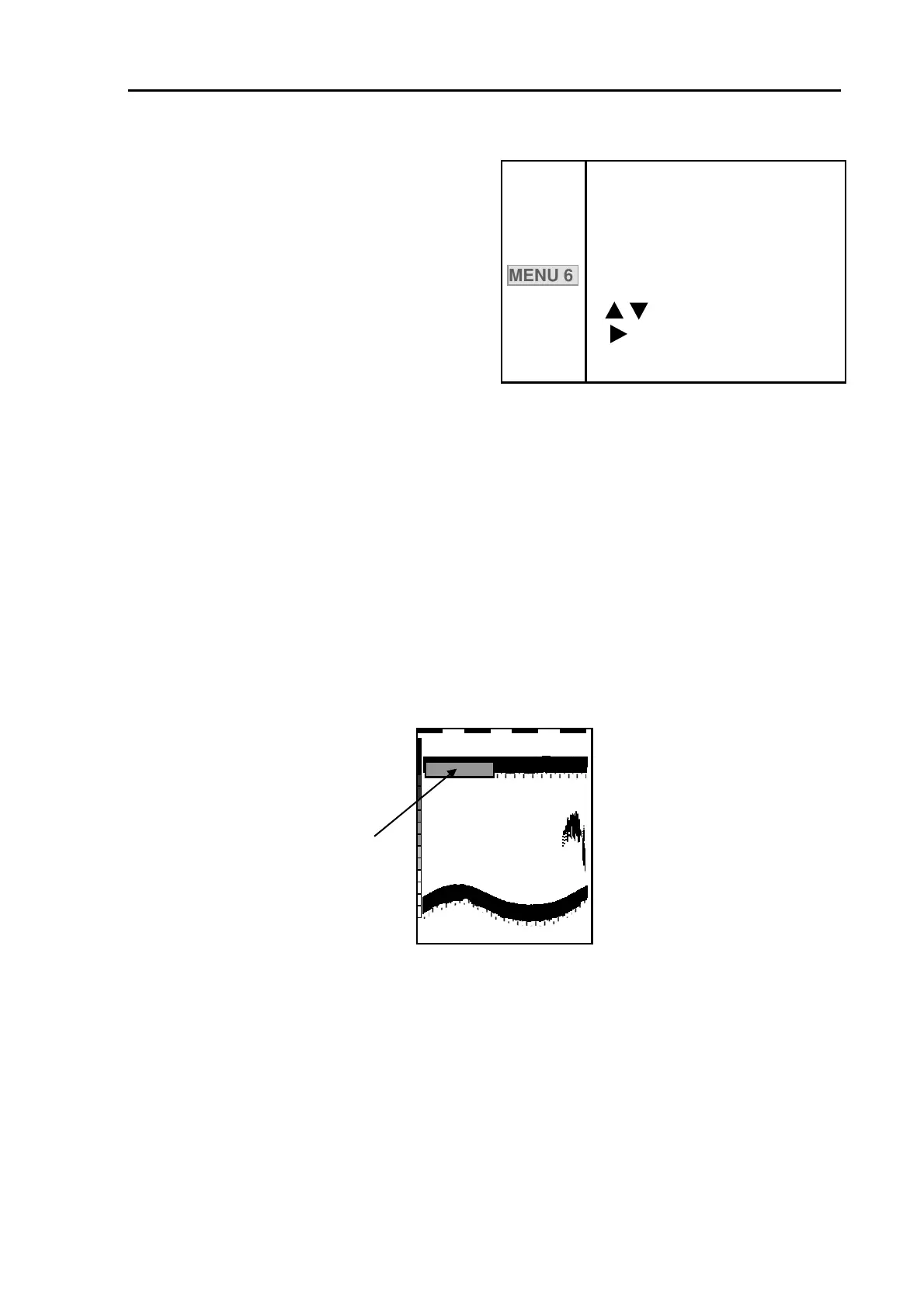
When Auto Gain is selected,
AUTO GAIN is displayed here
XXXX
Figure 6.14 AUTO GAIN mode display
6.9.3 Auto Gain Adj (H) / Auto Gain Adj (L) (Setting the bottom color in auto mode)
The bottom color should always be set to red, whether the gain mode is auto or manual. In case the
bottom color in auto mode is not red, use this function to reset.
Initial setting: 0
Setting range: -20〜+20
93132902-00 6-11



 To Next Page