1
.
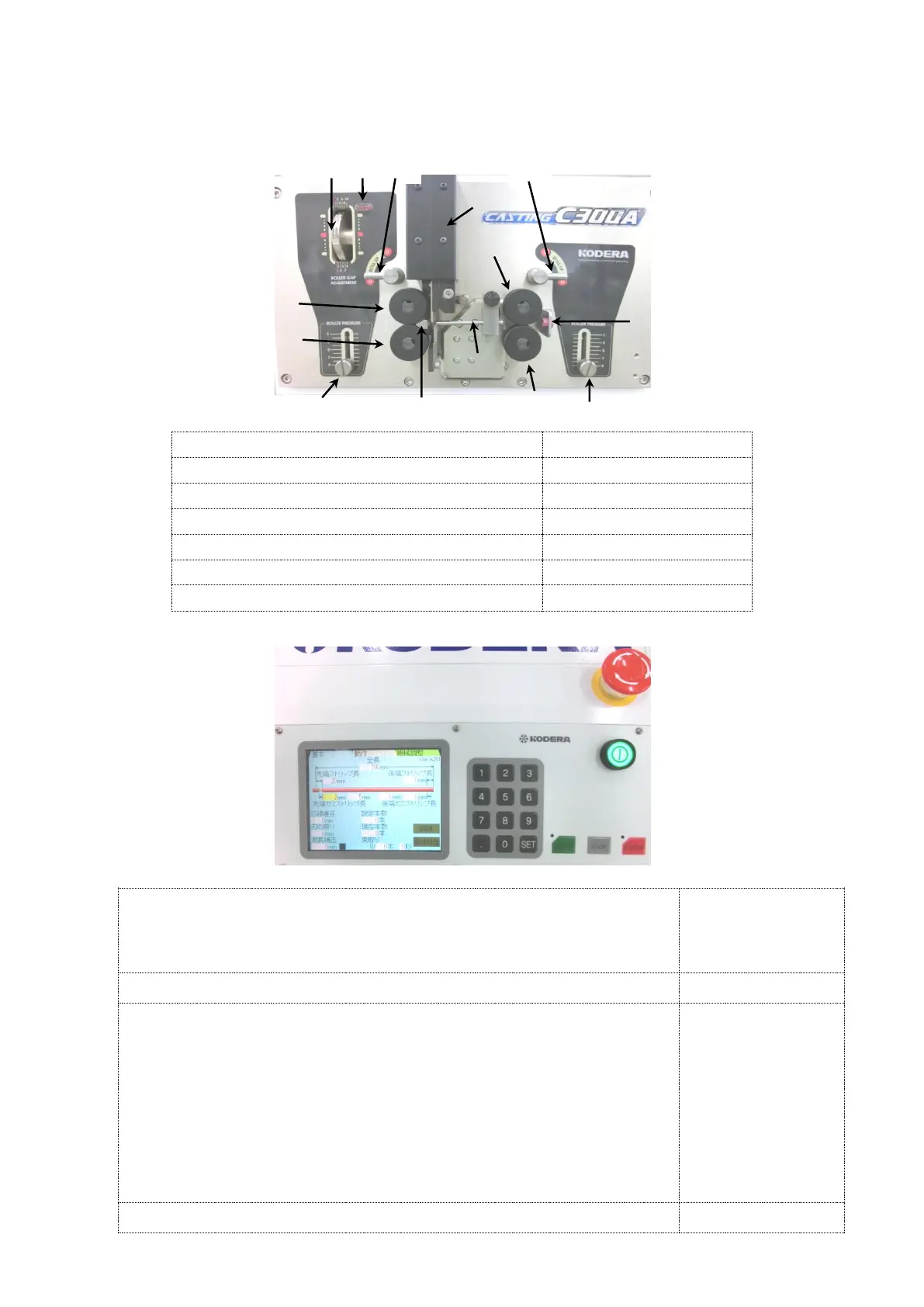
Part Names of the Front Mechanical Section
Name of the components
2. Explanation of Components of the Operation Panel
Explanation of Components
The keys of this
setting screen are
displayed in
parentheses 《 》.
(B)Power Switch・・・Power ON/OFF Switch button
(C)Keys for numerical value setting (Ten keys)
The keys of this
setting screen are
displayed in
parentheses [ ].
Keys for numerical value setting from [0] to [9].
[.] ・・Press this key when numerical value less than 0 is input.
[SET] ・・Press this key when all numerical values are input.
(D)START・・・Start key (Start Operation)
(E)STOP・・・Stop key (Work cycle, alarm and error souds stop)
(F)E.STOP・・・E.Stop key (Emergency stop)
(G) Emergent Shut Down Switch・・・The Power will be OFF.
①Left side roller UP/DOWN knob
②Right side roller UP/DOWN knob
③Left side roller gap adjustment dial
④Sensor signal lamp for wire detection
⑤Left side roller pressure adjustment knob
⑥Right side roller pressure adjustment knob



 To Next Page