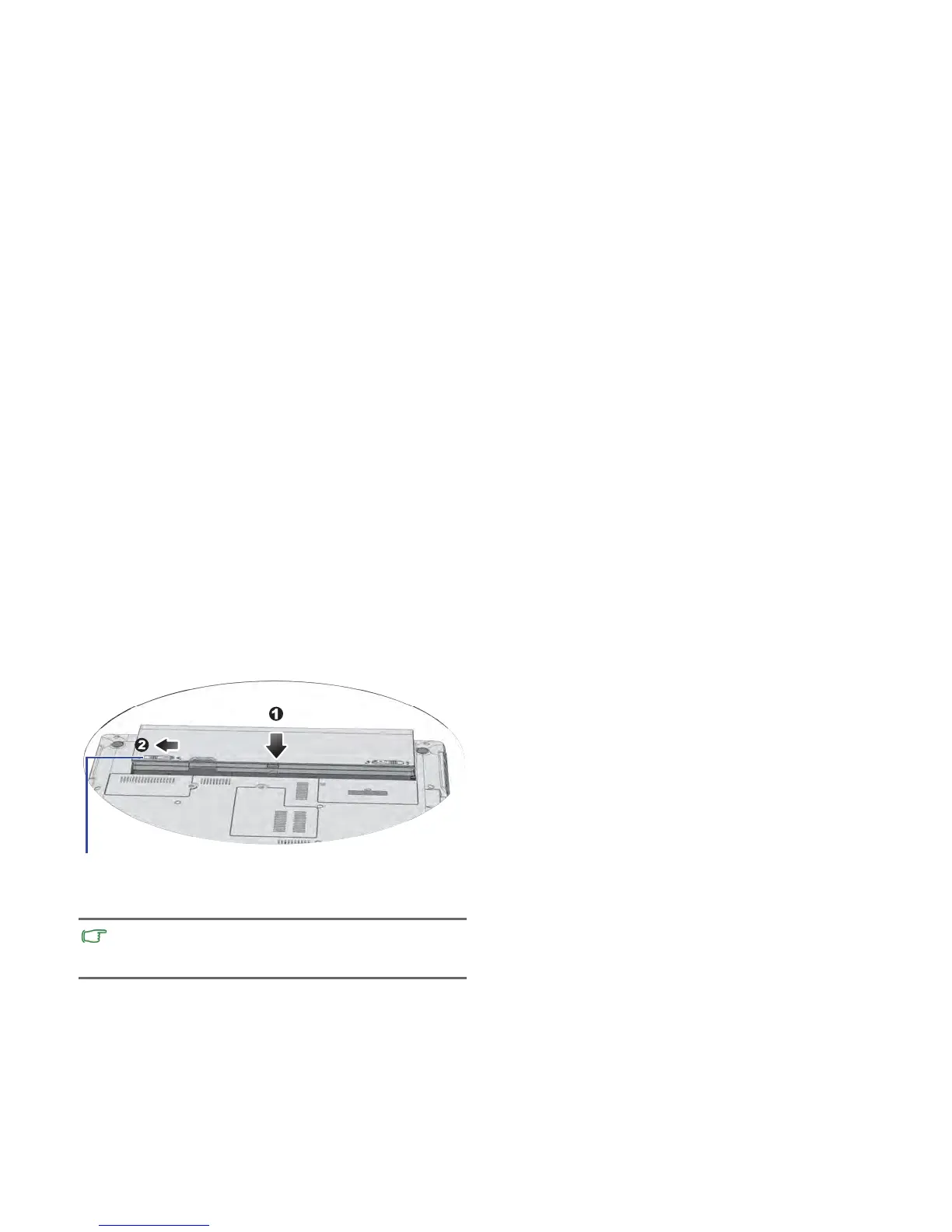
“Batte
ry retainer A” to the left (2). Connect the power
"Using BIOS setup" on p
age 24
32
a
d
apter. When you start the Notebook, it will automatically
Replac
ing the memory
12.Pl
ace the battery on its original position (1), and then slide
It is reco
mmended that you go into BIOS to load setup
defaults after installing additional memory. For details, refer to
.



 To Next Page