the memory door
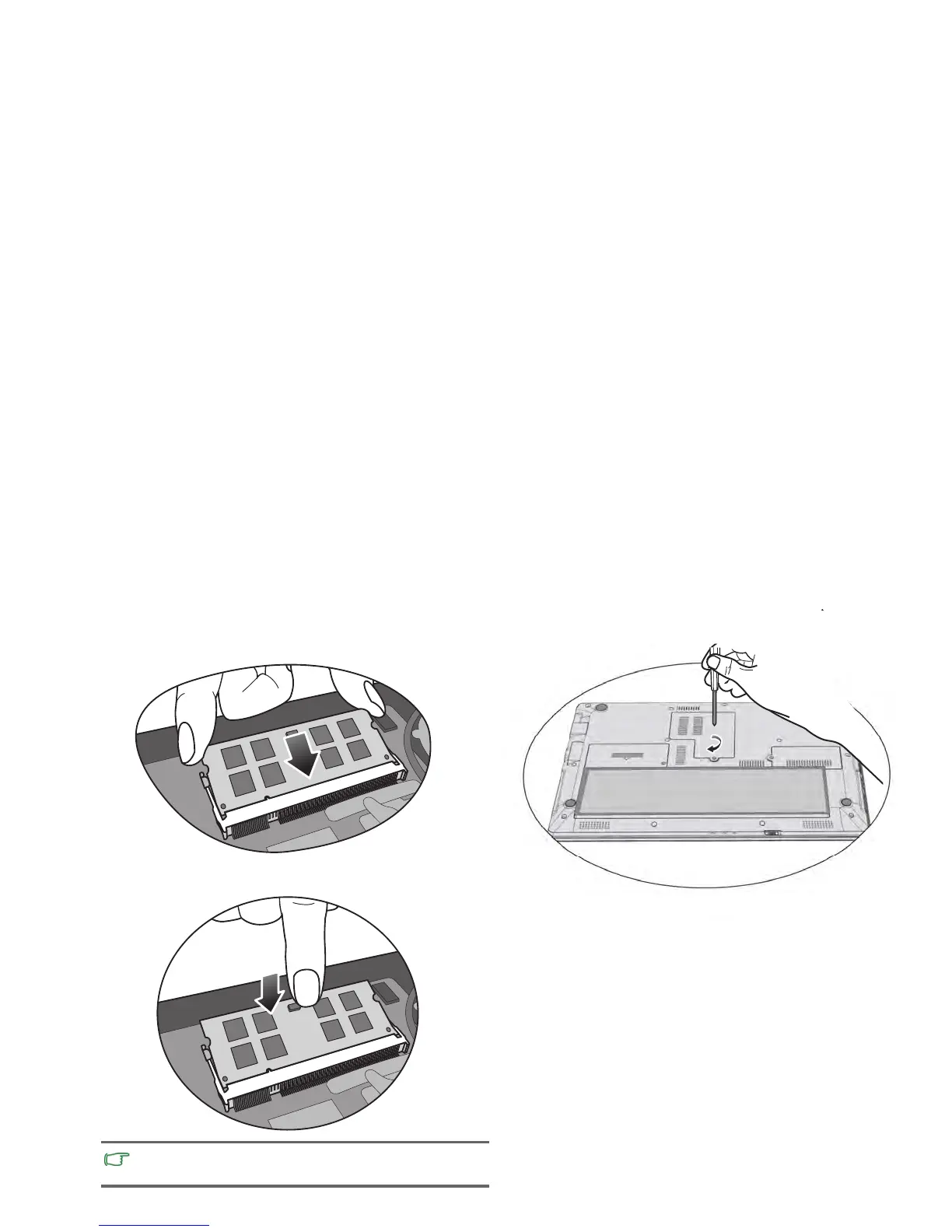
with the screws.
Replacing the memor
y 31
stalled properly, your Notebook
may not boot properly.
8. A
lign the memory module with the slot, and then insert it.
When inserting, pay attention to the direction of the
memory module.
9. Gently push the free edge downwards until the module locks
into place.
If the
memory module is not in
and use a
screwdriver to secure
10. Replace the memory door,
Memory door



 To Next Page