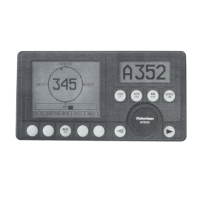
Robertson AP11 Autopilot
34 20220513E
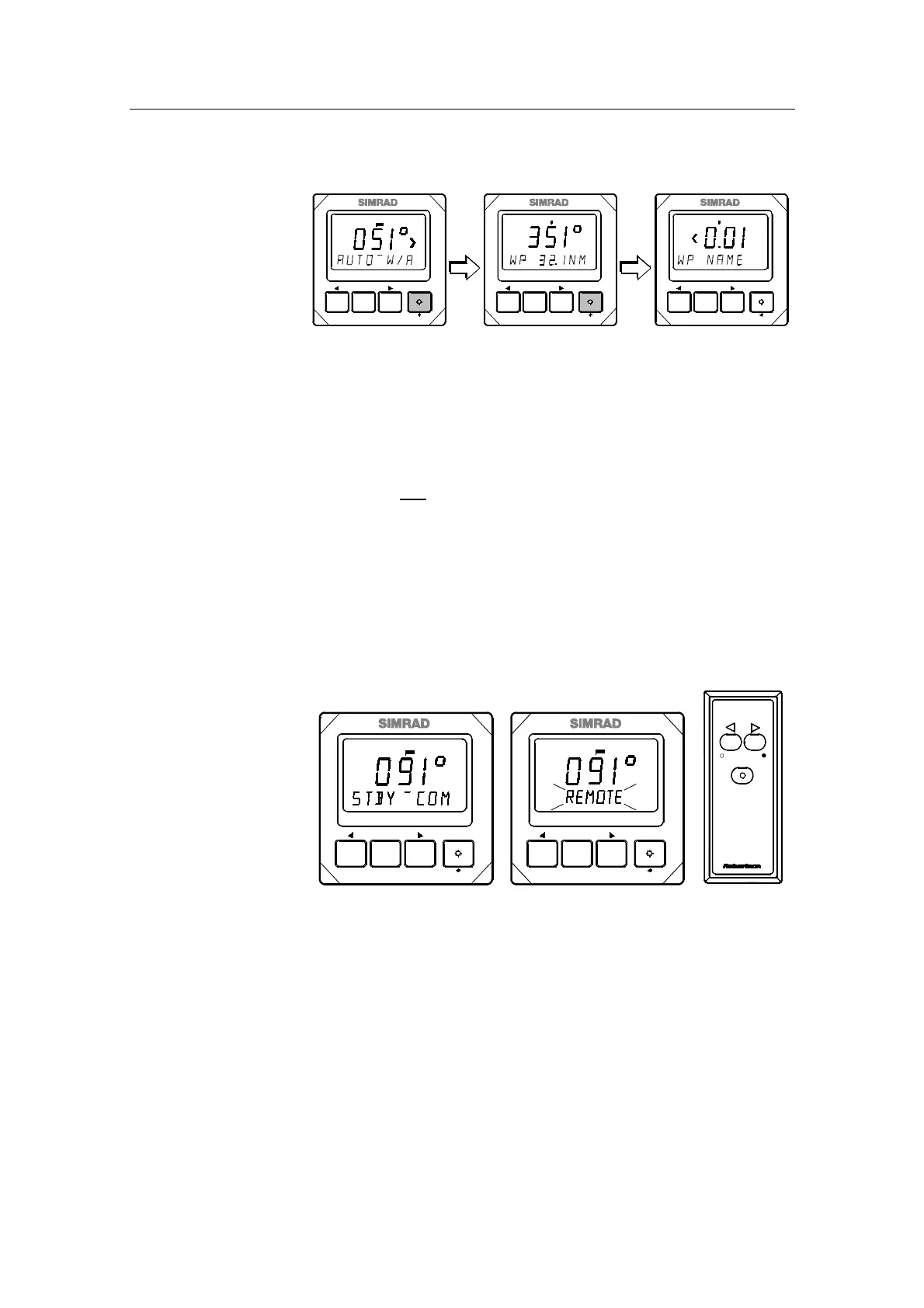
Nav. displays in Auto W/A mode
STBY-AUTO
PWR
RESPONSE
TURN
MODE
DODGE
AUTOPILOT
ROBERTSON AP11
STBY-AUTO
PWR
RESPONSE
TURN
MODE
DODGE
AUTOPILOT
ROBERTSON AP11
STBY-AUTO
PWR
RESPONSE
TURN
MODE
DODGE
AUTOPILOT
ROBERTSON AP11
Rudder
Rudder
Rudder
Press the MODE button to bring up the first nav. display.
This display shows the bearing and distance to next
waypoint. Press the MODE button once more to bring up
the second nav. display which shows Cross Track Error
(XTE) and waypoint name. A new press on the MODE
button will bring back the AUTO-W/A display. If the MODE
button is not pressed within 15 seconds after having
activated one of the nav. displays, it will automatically
return to the AUTO-W/A display.
Pressing the STBY-AUTO button from one of the nav.
displays, returns the autopilot to STBY-W/A mode.
2.22 Multistation operation
STBY-AUTO
REMOTE
R3000X
STBY-AUTO
PWR
RESPONSE TURN
MODE
DODGE
AUTOPILOT
ROBERTSON AP11
STBY-AUTO
PWR
RESPONSE TURN
MODE
DODGE
AUTOPILOT
ROBERTSON AP11
Rudder
Rudder
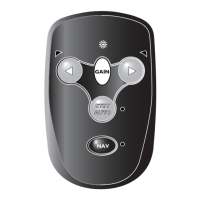
In a multi station system all control units and the remote(s)
are active simultaneously. The control unit that is not being
operated will display the same as the one in operation,
except for a flashing REMOTE. If a remote control is
operated, the control unit (or both) will flash REMOTE.


 To Next Page