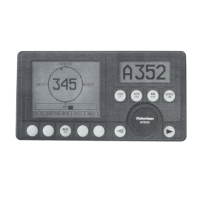
Instruction manual
20220513E 65
CD100 Course Detector
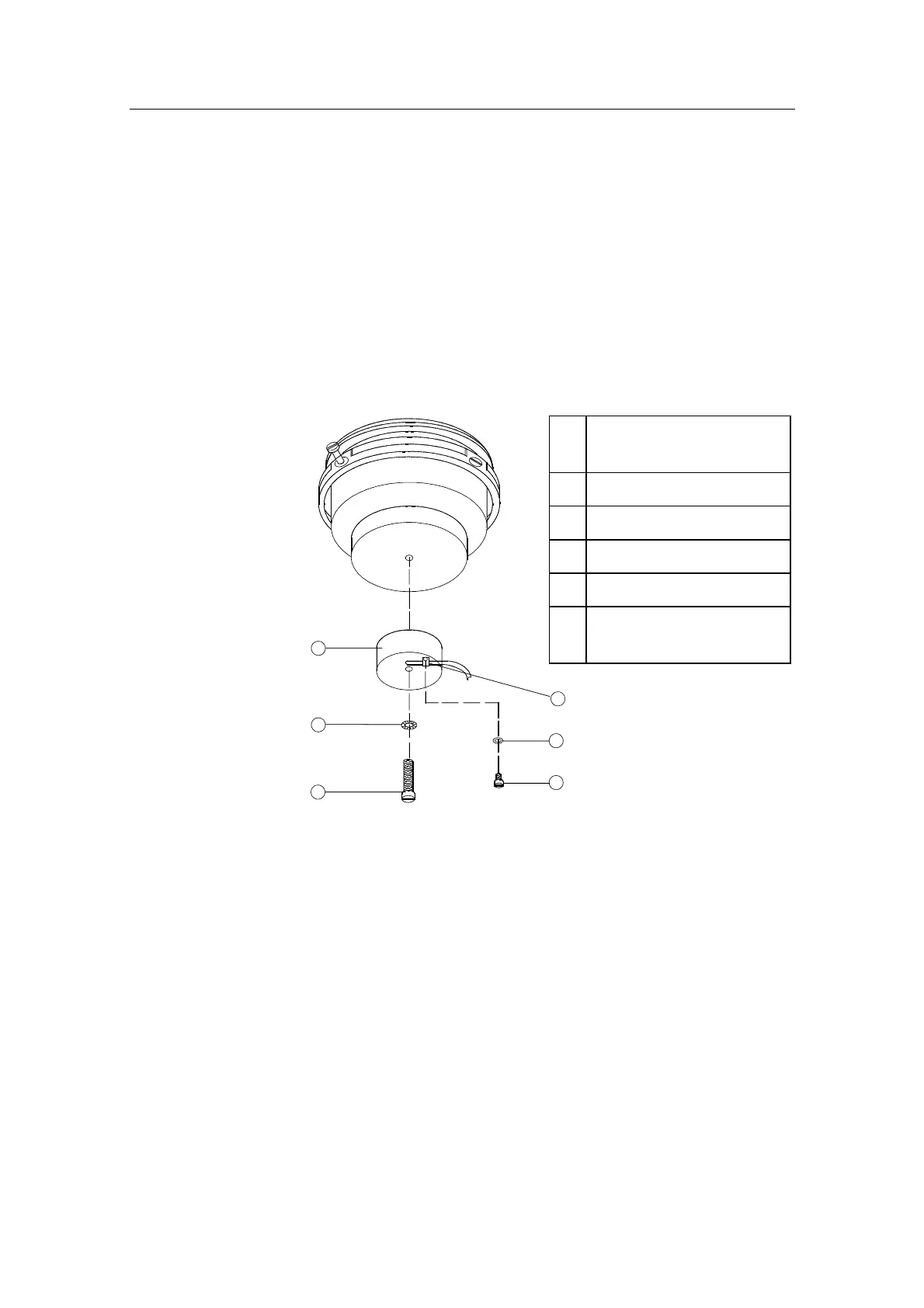
On some installations the owner may prefer to use the boats
own compass. The compass must be fully gimbaled and
have a flat surface underneath to fit the CD100. Make hole
for a 6 mm screw in the bottom of the compass and mount
the CD100 as shown on the drawing. Secure the 6 mm
screw through the centre hole of the CD100. Make sure the
cable does not prevent the compass from moving freely in
the gimbals.
3
2
1
4
5
6
Figure 38 CD100 mounting
Note!
Lock nut on mounting screw
(pos. 1) for transportation
only. To be removed before
mounting.
1 Screw M6x25mm, non
magnetic
2 Washer, non magnetic
3 Course detector
4 Cable clamp, nylon
5 Washer, non magnetic
6 Screw M3x10mm, non
magnetic


 To Next Page